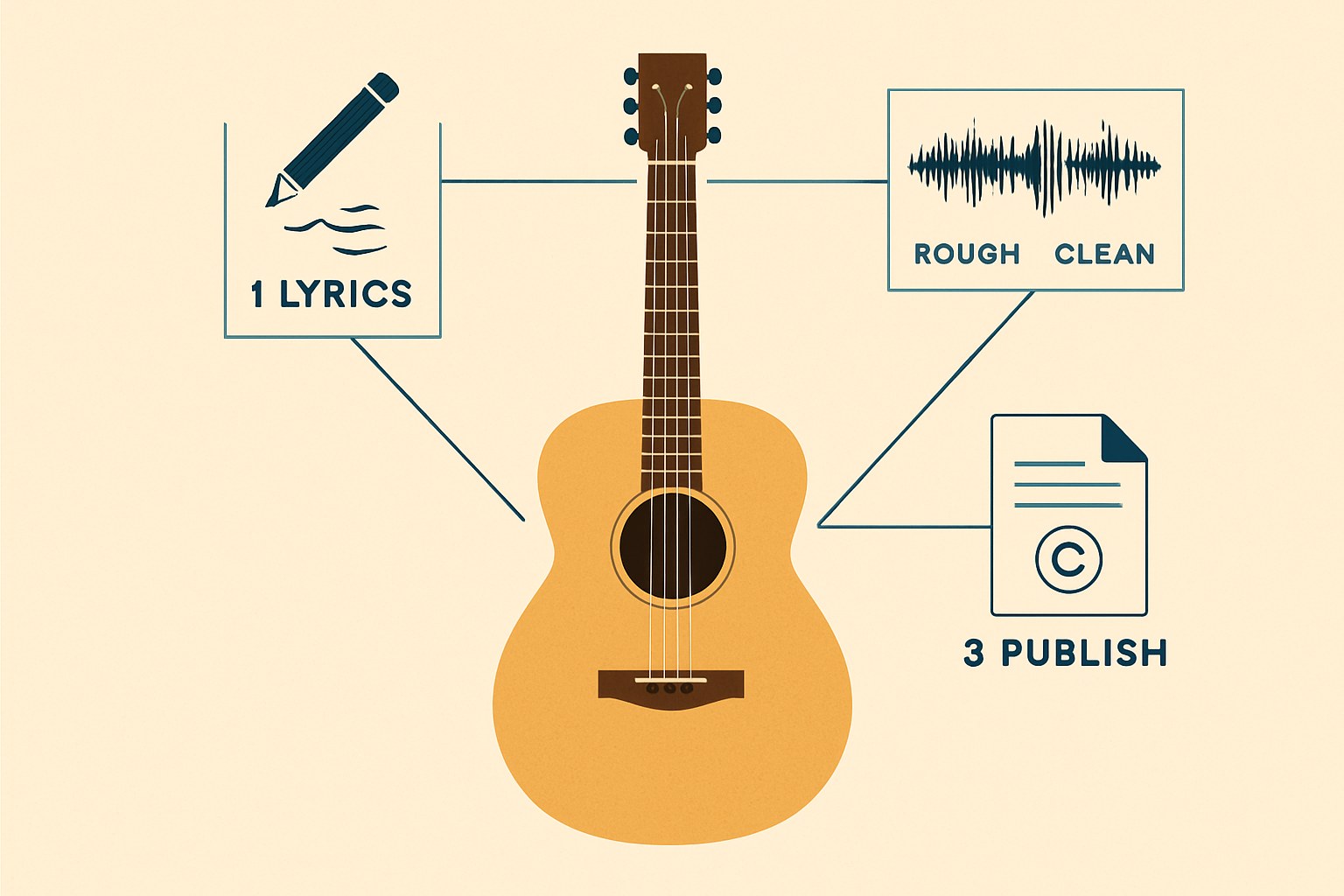
AI isn't going to replace what you do with six strings and a good room. What it can do is take the friction out of a stuck lyric, clean up a rough home recording, or split a reference track so you can hear what the guitar is actually doing. None of that requires a studio, a producer, or any particular technical fluency. You just need to know which tools are worth opening first.
What AI can and can't realistically do for your songwriting
The most practical AI tool you already have access to: a general-purpose chatbot like ChatGPT or Claude. Neither is built specifically for musicians, but both are genuinely useful for getting unstuck on lyrics, working through a song's structure, or brainstorming a bridge when you've written yourself into a corner. You describe what you're going for, it gives you raw material to react to. That back-and-forth is where the value is, not in using whatever the AI produces verbatim.
What these tools won't do: write a great lyric for you without your input. The output reflects what you put in. Vague prompts get vague lyrics. If you tell it your song is about a specific feeling, a specific moment, a specific image you're circling, you'll get something much more useful to work with.
For chord progressions and arrangement ideas, tools like Suno and Udio generate full audio tracks from text prompts. They don't output chord charts. What they do output (a finished-sounding AI track based on your description) can work as a rough reference for arrangement instincts, but it's more like listening to a demo for inspiration than getting a musical roadmap. Both have free tiers, though the exact credits and download permissions available to free users have shifted over time — check each platform's current plan page before assuming what's included. If the whole approach sounds like the long way around, skip them and stay in the chatbot.
Cleaning up a rough home recording without hiring anyone
If you're recording guitar and vocals into a phone or a basic interface at home, the result is often good enough to capture the song, and not quite good enough to share. A couple of AI tools can close that gap.
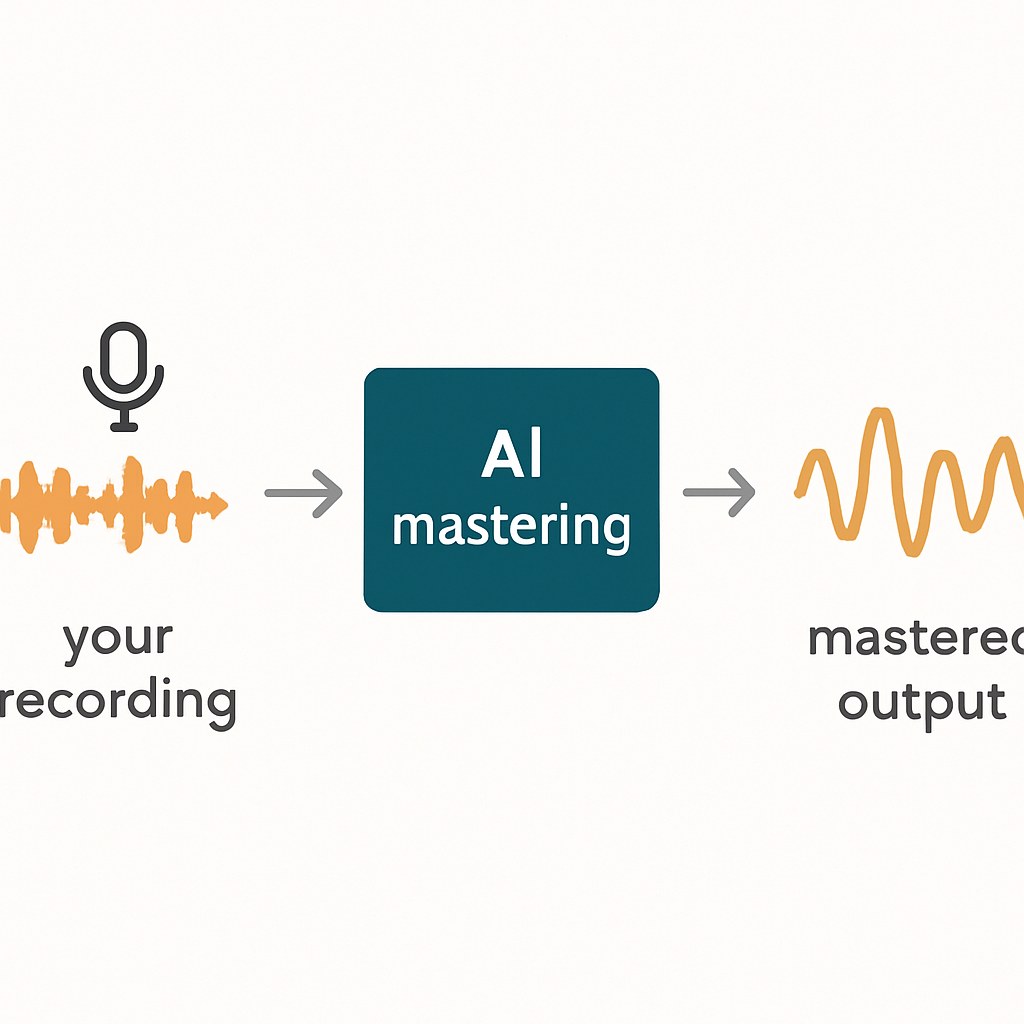
LANDR offers AI-assisted mastering. You upload your mix, it returns a mastered version that's louder, cleaner, and closer to streaming-ready. According to LANDR's official support documentation, you can preview the mastered result for free before paying anything — but the preview isn't downloadable, and a watermarked trial download requires signing up for a short Studio trial. That preview alone tells you whether the tool is doing something useful for your track before you spend anything. They accept both WAV and MP3 uploads.
LALAL.AI does something different: it separates a recording into individual stems. More relevant to you, it has a named acoustic guitar stem, confirmed on their product page. So if you've recorded guitar and voice together and you want to isolate one or the other, it can do that. Same if you're studying a reference track and want to hear what the guitarist is actually playing underneath the rest of the arrangement. Moises is the other well-regarded option in this space, with chord detection and tempo tools alongside stem separation — making it particularly useful for practicing musicians, based on one reviewer's characterization at Chartlex. Both have free tiers, though usage caps are tight. Good enough to test whether the tool works for your use case before subscribing.
Before you publish or monetize anything made with AI
This is the one section worth reading carefully if you plan to release music.
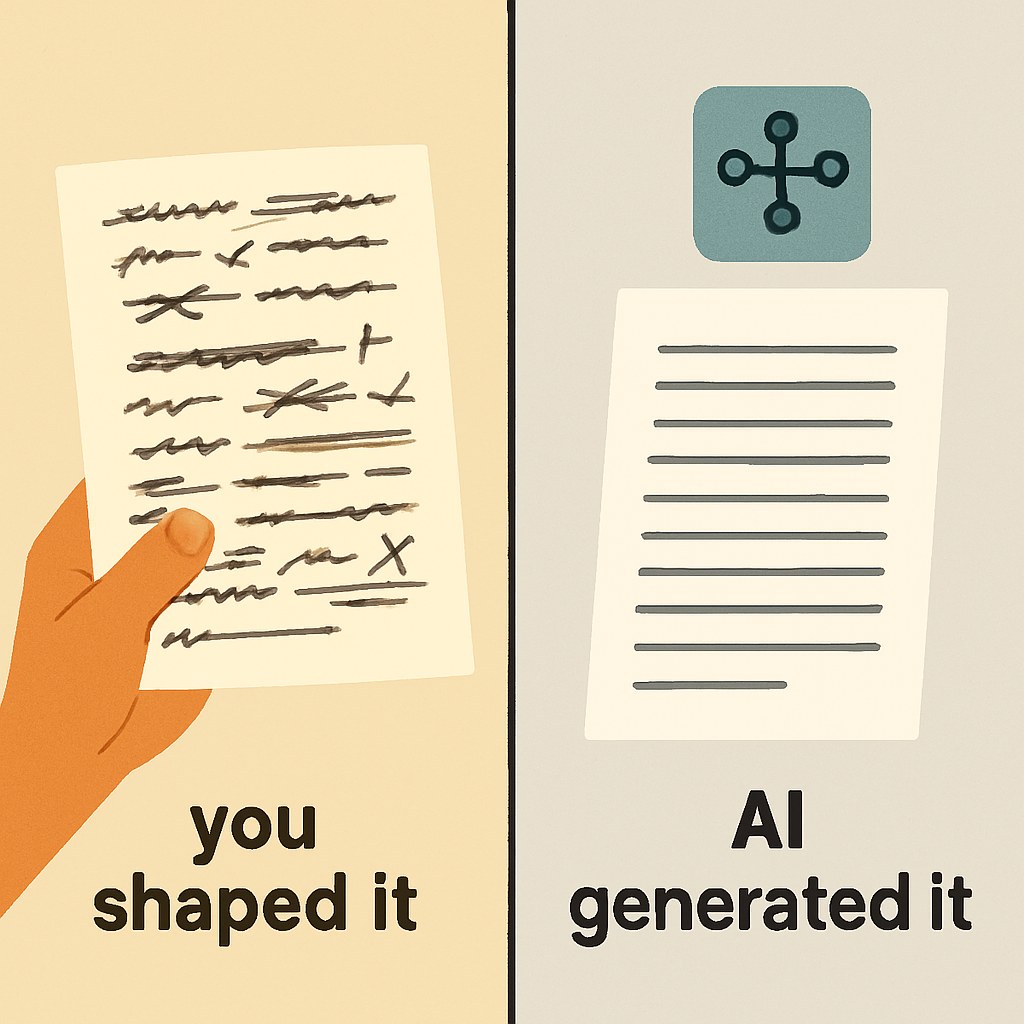
If you used a chatbot to help with lyrics, the commercial rights situation is your own, not the AI company's. You wrote the song. The lyric suggestions were raw material you shaped. This is editorially different from the generative audio tools below, though copyright law in this area is still evolving.
If you used Suno or Udio to generate audio, the free tier on both platforms explicitly prohibits commercial use. Suno's Terms of Service, as cited in multiple independent reviews, state that free-tier outputs may only be used for personal, non-commercial purposes with attribution to Suno. Udio's free tier has the same restriction. If you want to release or monetize anything these tools generated, you need a paid plan on the platform where you generated it.
Even on paid plans, the copyright situation is genuinely uncertain. Third-party sources including Dynamoi and Terms.Law report that music made entirely with AI does not qualify for copyright protection, and that writing the prompt does not constitute authorship of the song — but these are independent commentary, not legal rulings or Suno's own official documentation, and copyright law here is still being tested.
On the litigation front, the picture is complicated and the two platforms are not in the same situation. According to Terms.Law, UMG and Sony remain active plaintiffs against Suno as of mid-2026. Udio's situation is different: Undetectr reports that Udio has reached licensing settlements with UMG and Warner, though its commercial terms following those settlements are described by Udio's own pricing page and outside reviewers as more explicit than Suno's. Still, check udio.com/terms directly before making business decisions based on what you read anywhere, including here.
LANDR is a processing tool, not a generative one. It masters audio you created. The commercial rights to that output belong to you as the original rights holder. The platform licensing question that applies to Suno and Udio doesn't apply to LANDR in the same way.
Start with the lyric idea or the stuck song you already have open. Drop it into a chatbot and see what comes back. If you have a rough recording you want to clean up, upload it to LANDR for a free preview. Both take about ten minutes and cost nothing to try. The tools that actually earn a place in your workflow will become obvious pretty quickly once you've used them on something real.