← dailyblip · guides
Get guides like this by email → subscribe below
Guide

The AI Content Creator Tools Actually Worth Your Time in 2026

A shortlist of AI tools for people who make things, matched to what you already create, not what sounds impressive.

Last reviewed July 18, 2026
QUICK ANSWER

For most creators just starting out, ChatGPT (writing/images), Midjourney or Adobe Firefly (images), Runway (video), and ElevenLabs (voice) cover the major creative categories. Pick the one closest to what you already make and start there.

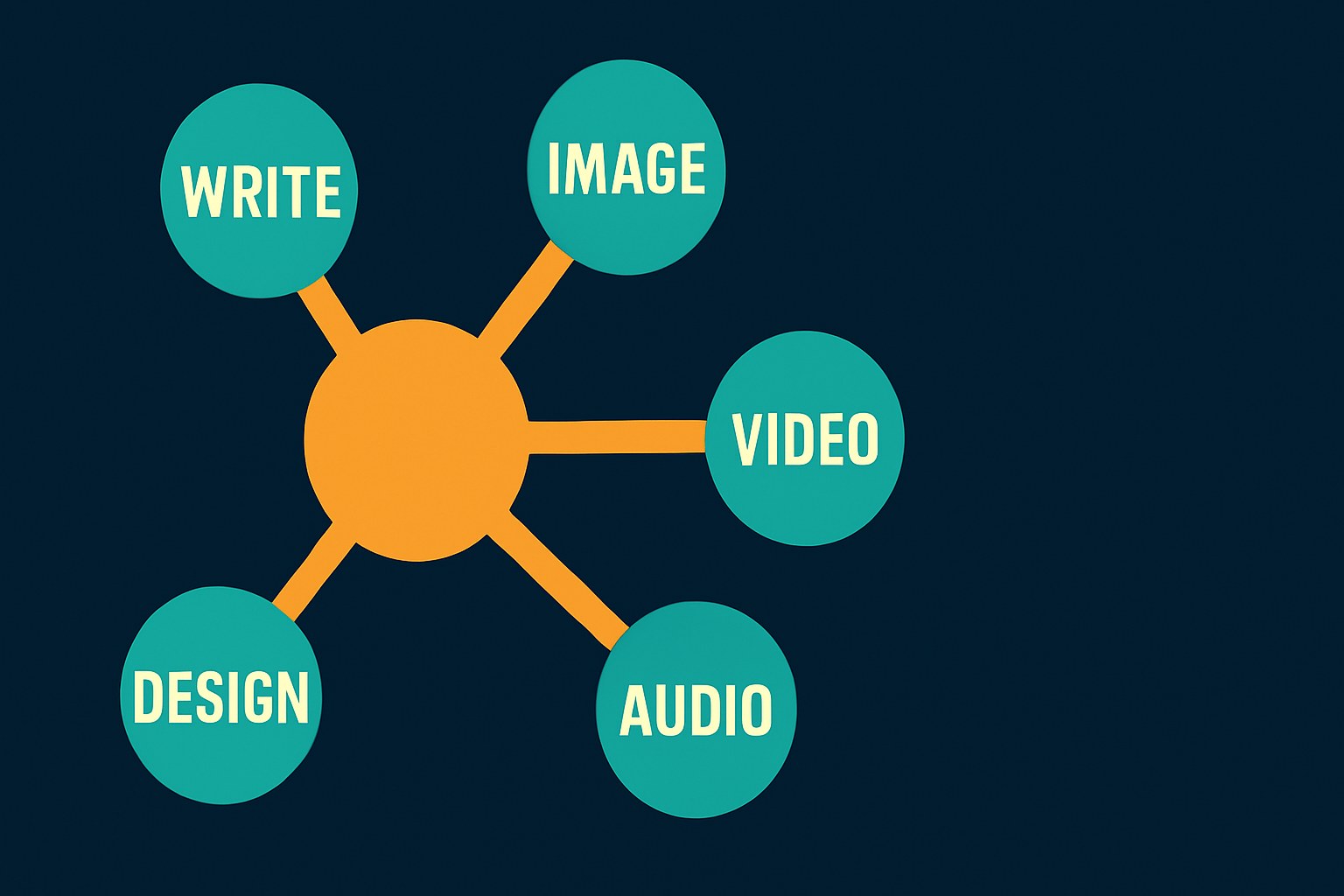
Editorial diagram showing five AI creative categories — Write, Image, Video, Audio, Design — radiating from a central amber hub on a deep navy background.
Five tools, five creative categories — the guide maps one genuinely useful AI tool to each.

The AI tool conversation in 2026 has gotten loud enough that ignoring it feels like a choice, but the list of options is long enough to make actually starting feel impossible. This isn't a directory. It's five tools, matched to five creative jobs, chosen because they're actively maintained, genuinely accessible to beginners, and worth the time it takes to learn them. One of them probably fits what you already make.

What 'AI content tool' actually means right now

Most of the tools calling themselves AI creators in 2026 fall into one of two camps: generators (you describe something, it makes it) and assistants (you bring your own work, it helps improve or extend it). Both are genuinely useful, and which one you need depends entirely on whether you're starting from nothing or finishing something you've already begun.

The hype version of this space promises full automation. The realistic version is more like a capable collaborator who works fast, gets things wrong in specific and learnable ways, and improves significantly once you understand how to talk to it. The tools below are the ones where that collaboration actually pays off quickly enough to justify the learning curve.
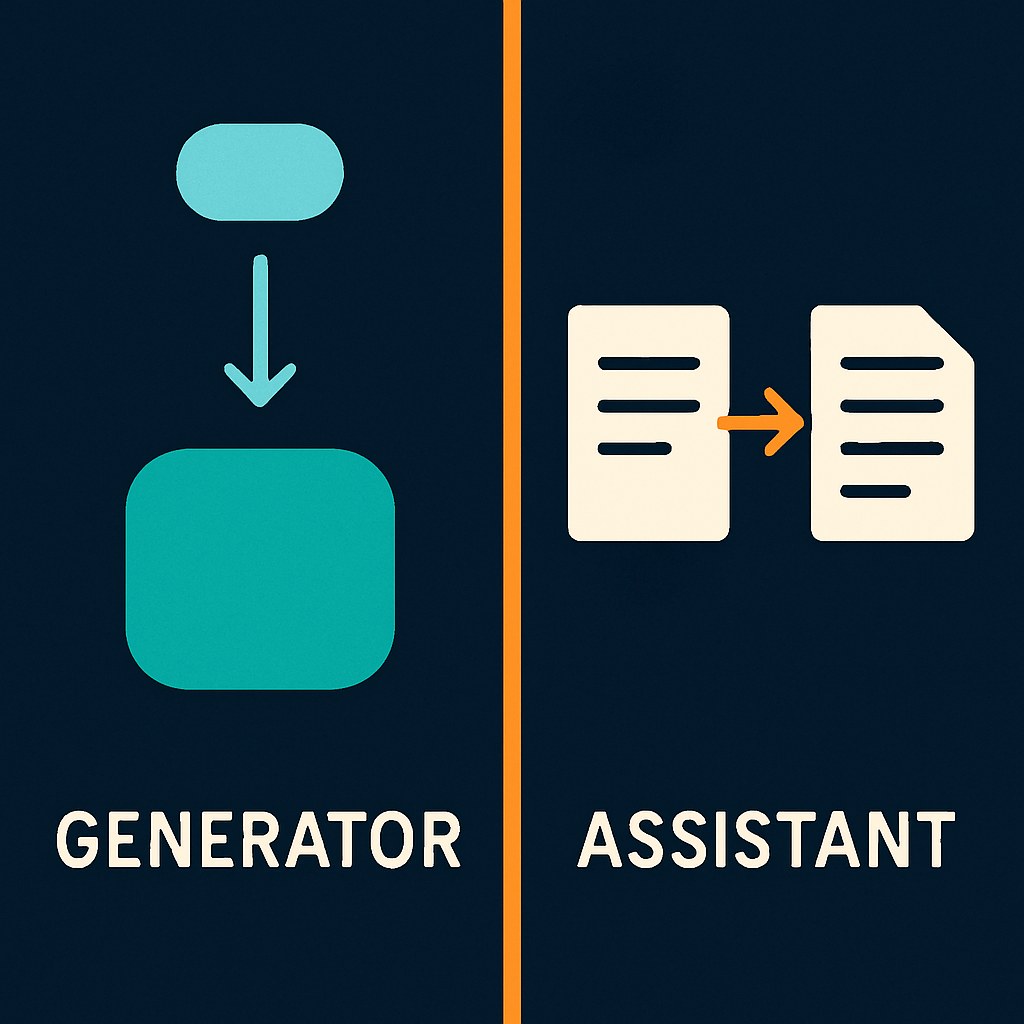
Split diagram comparing AI generators (create from a prompt) and AI assistants (improve what you bring), the two main tool types covered in this guide.
Two types of AI tool, two different use cases — which one you need depends on whether you're starting from scratch or improving existing work.

Five tools, five creative categories

These aren't the only tools in each category. They're the ones a beginner can try today without a credit card or a waitlist, where the free tier is functional enough to tell you whether it's worth going further.
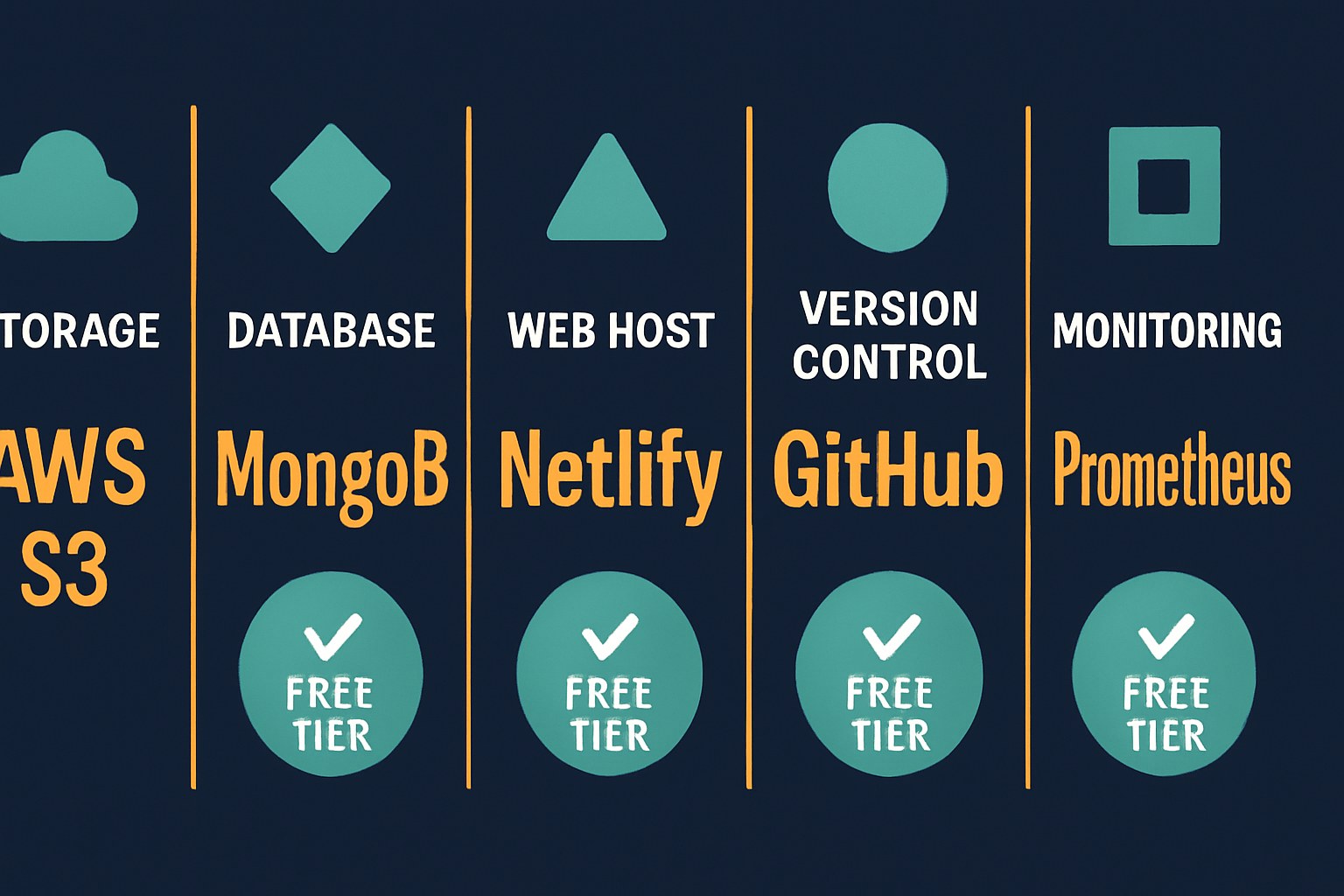

Horizontal scorecard comparing five AI tools across five creative categories, each with a free-tier confirmation badge.
All five tools covered in this guide offer a functional free tier — no credit card required to find out if they're right for you.
ChatGPT (OpenAI)
The writing and ideation tool most creators will reach for first, and for good reason. As of mid-2026, the free tier runs on a rate-limited GPT-5.x model with basic image generation included. Good for drafts, outlines, captions, scripts, brainstorming, and editing your own copy. Account required, no credit card.
Strengths: Handles writing, image generation, and basic research in one interface · Free tier is genuinely usable for everyday creator tasks · Inline editing (replacing the old Canvas feature) feels natural for iterating on drafts
Limitations: Rate limits on the free tier reset every few hours, which breaks flow on heavy days · Image generation on the free tier is limited in volume; high-output visual work gets expensive fast · No legal indemnification, OpenAI permits commercial use but doesn't defend it
Adobe Firefly
Adobe's image generator trained on licensed content, which makes it the safest choice for commercial work. The free tier gives a limited monthly credit allowance for image generation and integrates directly with Photoshop and Illustrator if you're already in that ecosystem.
Strengths: Trained on licensed data with enterprise copyright indemnification, a genuine differentiator for commercial projects · Native integration with Adobe Creative Cloud apps · Strong for product, lifestyle, and editorial imagery
Limitations: Free credits run out faster than you'd expect on a serious project · Stylistic range is narrower than Midjourney for highly artistic or experimental output · Full commercial indemnification applies to enterprise plans, not free-tier users, check your plan before publishing
Runway
The most accessible AI video generator for creators who aren't engineers. Gen-4 and Gen-4.5 let you generate short clips from text prompts or animate a still image using the motion brush. Useful for social content, mood reels, and experimental video work.
Strengths: Text-to-video and image-to-video in the same tool, with genuinely cinematic output at paid tiers · Motion brush for animating specific parts of a still image is a standout feature · No technical setup, runs in the browser
Limitations: Free plan is 125 one-time credits with no monthly refresh, enough to explore, not enough to produce; outputs are watermarked at 720p · Meaningful video work requires a paid plan · Clip length is limited even on paid tiers; long-form video is not what this is for
ElevenLabs
AI voice generation that handles narration, character voices, and dubbing across 29 languages with emotional range that holds up in actual content. The free tier gives a monthly character allowance, enough for short projects, but commercial use requires a paid plan.
Strengths: Voice quality is consistently the benchmark other tools are measured against · Multilingual output with emotional inflection · Paid users keep commercial rights to generated audio permanently, even after canceling
Limitations: Free tier outputs cannot be used commercially and require attribution to ElevenLabs · Voice cloning is gated behind paid plans · Free tier has a per-request character cap, so longer pieces require multiple generations
Google Gemini / AI Studio
The multimodal wildcard pick. Gemini handles text, images, audio, video, and code in one place, and Google AI Studio, the developer-facing version, is completely free in all available countries with a generous daily request allowance. For creators who want to experiment across formats without committing to a single-purpose tool, this is the most flexible free starting point available.
Strengths: Genuinely generous free tier (Gemini Flash API offers up to 1,500 requests/day via AI Studio) with no credit card · Multimodal input and output in one interface · Canva's AI video feature is now powered by Google Veo 3, so Gemini's video capabilities are reaching consumer tools too
Limitations: More configuration required than a consumer-facing tool like ChatGPT, AI Studio in particular assumes some comfort with APIs · Model versions cycle quickly; Gemini 3 Pro Preview was already deprecated and replaced within months · Jack-of-all-trades positioning means it's rarely the single best tool in any one category

Pick one and actually try it

The honest failure mode for new AI tool users isn't picking the wrong one. It's spending two hours comparing options and not making anything.

Match the tool to what you already make:

  • You write (essays, scripts, captions, copy): start with ChatGPT. It's the fastest path from idea to first draft.
  • You make images (for clients, products, or commercial use): Adobe Firefly's licensed training data is worth prioritizing from the start if you publish commercially. If it's personal or artistic, Midjourney has the stronger aesthetic range, but unlike the five tools above, it requires a paid subscription and has no free plan.
  • You make video (social, short-form, experimental): Runway's free trial is enough to understand what AI video can actually do. Expect to hit the credit wall fast, but you'll know within an hour whether it's worth upgrading.
  • You do voice, narration, or audio content: ElevenLabs free tier is enough to hear the quality difference. Just know you can't publish those outputs commercially until you're on a paid plan.
  • You want to experiment across formats without committing: Google AI Studio is the most latitude for zero dollars, though it rewards some willingness to poke around.

All five featured tools are accessible without a credit card to start.
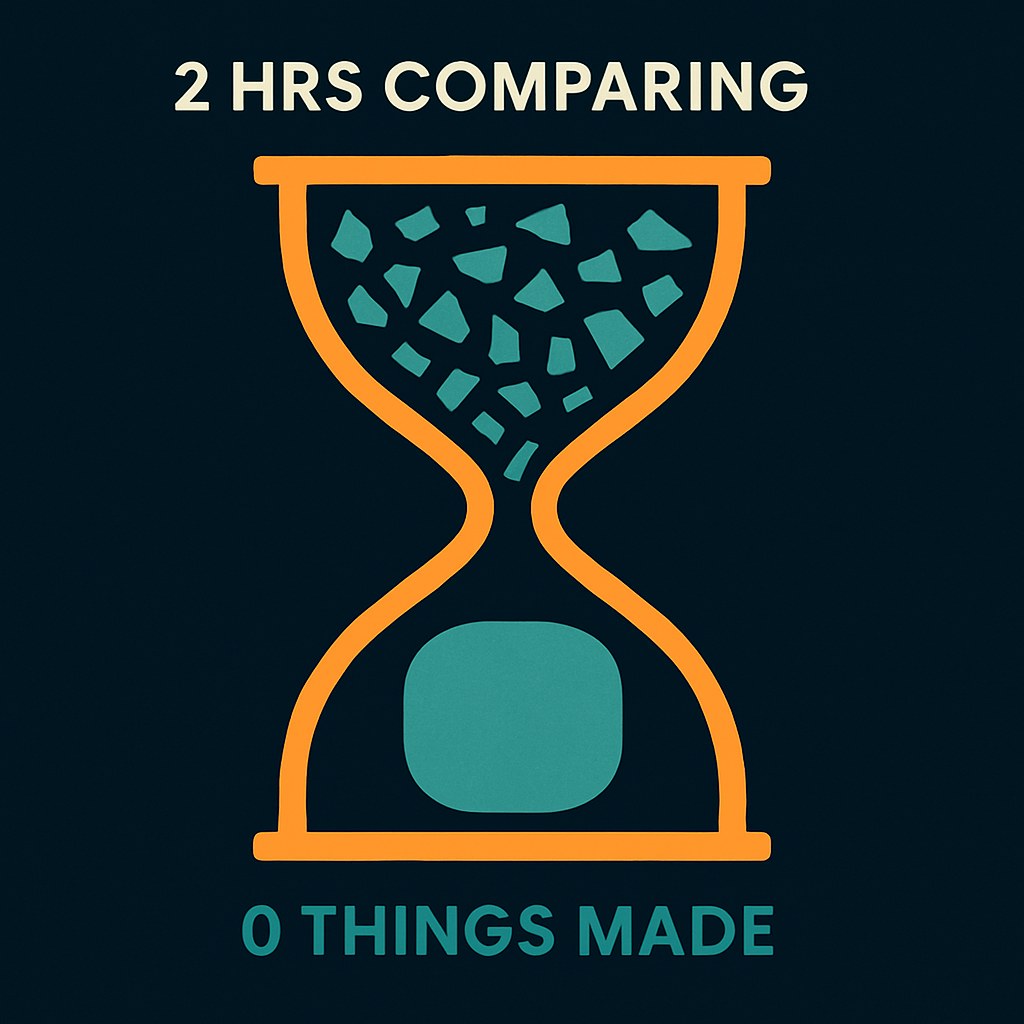
Hourglass illustration: upper chamber full of scattered fragments representing hours spent comparing tools, lower chamber showing zero output — visualizing the guide's warning against comparison paralysis.
The honest failure mode isn't picking the wrong tool — it's spending two hours comparing and not making anything.

Before you publish or monetize anything

Commercial rights vary significantly across tools and tiers, and this is worth sorting out before you build a workflow around something.

ChatGPT: OpenAI's terms permit commercial use of generated text and images on both free and paid tiers. What they don't provide is legal indemnification, if a copyright dispute arises over output, you're on your own.

Adobe Firefly: Enterprise users get copyright indemnification, which is the headline differentiator. Free-tier users get commercial use rights but not that legal backstop. Check your plan before pitching client work.

Runway: Free-tier outputs are watermarked and the terms restrict commercial use to paid plans. Verify current terms on Runway's site before publishing anything.

ElevenLabs: This one is explicit. Free-tier audio output is not licensed for commercial use and requires attribution (elevenlabs.io or 11.ai). Commercial rights start at the Starter paid tier. Per attorney analysis of ElevenLabs' terms, paid users retain commercial rights to generated audio even after canceling.

Google Gemini / AI Studio: Google's terms generally permit commercial use of outputs, but AI Studio usage falls under Google Cloud terms, which are worth reading if you're building a product rather than just experimenting.

Suno (AI music, not covered in the tool cards above): Worth knowing: Suno's free tier restricts output to non-commercial use only, which catches a lot of creators off guard when they try to use AI-generated music in monetized videos.

For anything you plan to sell, license, or publish under a brand, check the current terms directly on each tool's site. These details change with plan updates, and no third-party roundup, including this one, stays current long enough to be your final source.

This guide was put together to help you pick one tool, not to make you fluent in all five. The AI creative tool space in 2026 is genuinely capable, and genuinely chaotic, with model versions cycling out every few months and free-tier terms shifting with plan updates. What stays stable is the underlying creative problem each tool solves. Start there.

KEY TAKEAWAYS

Enjoyed this? Get the next one.

One email, 6am daily. What changed in your creative stack, nothing else.

✓ You're on the list.

Sources

Methodology: This guide was researched using official documentation from OpenAI, ElevenLabs, and Google, supplemented by independent reviews from FelloAI, SocialCrawl, ToolChase, Terms.Law, and other third-party sources verified against vendor pages between April and July 2026. Commercial rights claims were prioritized from official terms and attorney analysis rather than general roundups, given that readers may make business decisions based on them. No hands-on testing was conducted by dailyblip for this article. Where sources conflicted or specific details (such as region restrictions or age requirements) could not be verified against official documentation, those claims were excluded. Readers should verify current pricing, free-tier limits, and commercial use terms directly on each tool's website before publishing or monetizing content.
Last reviewed July 18, 2026. Have a correction? Tell us.