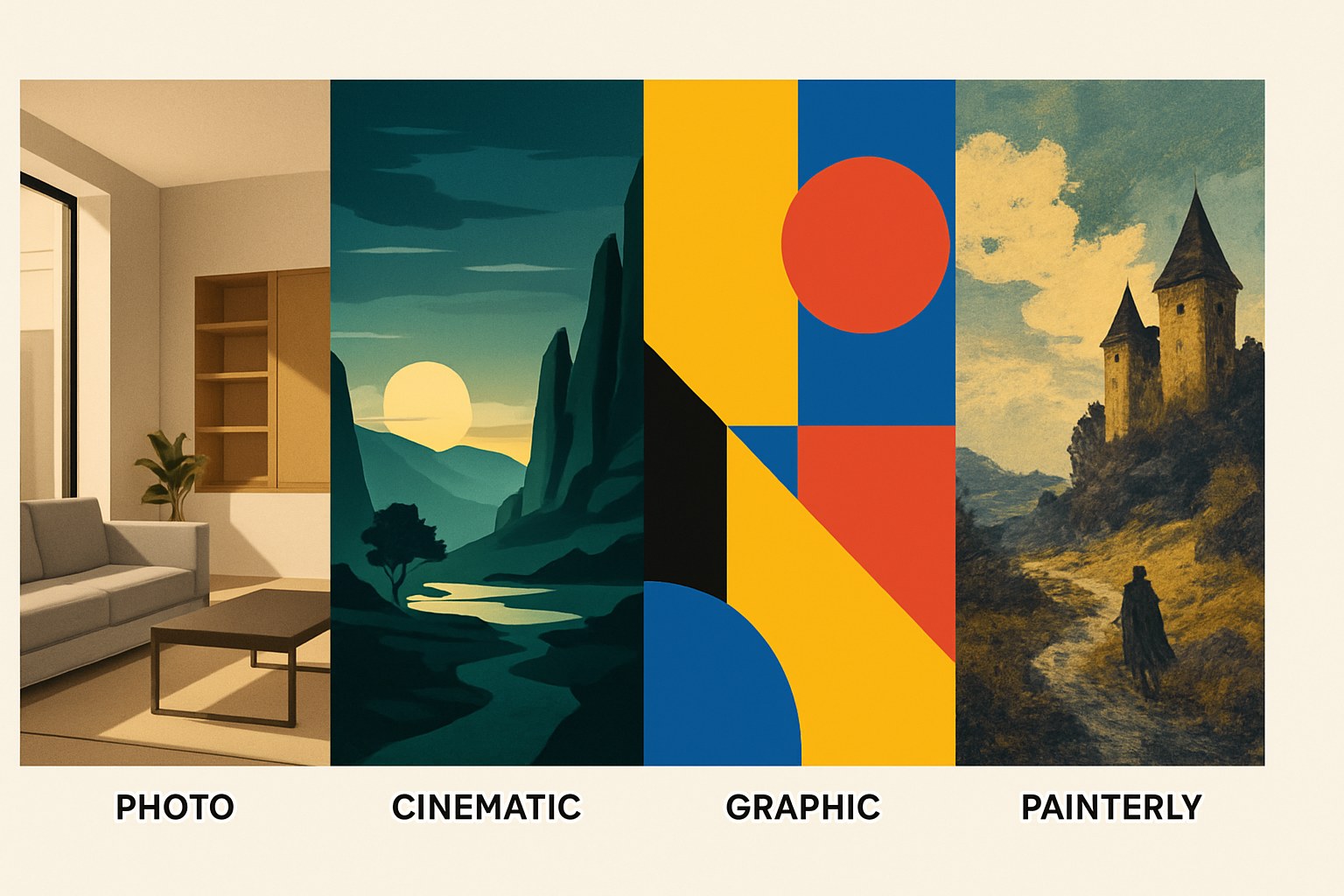
There are more AI image generators than anyone needs, and most comparisons assume you want to test all of them. You probably don't. The real question is simpler: what are you trying to make, and which tool gets you there without a steep setup curve? Each of the main options has a genuinely different personality — not just technically, but in what kind of output it's good at. Here's how to read the landscape fast.
What these tools do (and where they fall short)
Every AI image generator takes a text prompt and returns an image. That's where the similarity ends.
The quality, style, and what you're allowed to do with the output varies a lot by tool. None of them give you precise control over a composition the way Photoshop does — you're steering, not drawing. If you need a specific layout, exact text placement, or a character to look the same in every image, you'll hit limits quickly regardless of which tool you choose.
What they're genuinely good at: concept art, mood boards, illustration starting points, background images, social content, rapid visual ideation. Think of them as a fast sketch pad that sometimes surprises you with something better than you imagined.
One real limitation worth knowing early: free tiers on most tools make your generations public by default. If you're working on something confidential, that matters.
Matched to what you're making: which tool fits which creative
You want to try something right now, for free, without committing: Start with Leonardo.ai. Its free plan gives you 150 Fast Tokens per day, refreshing every 24 hours — no credit card, no trial expiration. It has 80+ models covering photorealism, illustration, and cinematic looks, and its Realtime Canvas feature lets you sketch something rough and watch it turn into an image in near-real time. That live feedback loop makes it genuinely useful for figuring out what prompts actually do. The catch: free-tier generations are public and carry only a non-exclusive commercial license, not full ownership. For personal exploration or learning the craft, that's fine.
You're already inside ChatGPT: OpenAI's image generation has evolved significantly and is currently integrated into ChatGPT, though the underlying model details have shifted over time — independent sources describe a transition to "GPT Image 1.5" in late 2025, but this isn't clearly documented in OpenAI's own public-facing materials, so treat that specific name with some skepticism. The free tier includes limited image generation; whether and when you'll hit a cap isn't documented as a fixed number in OpenAI's official help pages, so expect variability. Paid plans give meaningfully more. Per OpenAI's terms, images from paid plans (Plus, Pro, Team, Enterprise) belong to the user and can be used commercially; free-tier users face additional restrictions on commercial use, including requirements around disclosure and limitations that depend on how the output is used. Check the current ToS directly before using free-tier images in any commercial context. The content filtering here is the strictest of any major tool — expect occasional blocked prompts on things that seem benign.
You're doing client work or anything commercial: Adobe Firefly is the one mainstream generator built specifically for commercial safety. It was trained on Adobe Stock, licensed content, and public domain material, and paid plans come with IP indemnification — meaning Adobe covers you if a third-party copyright claim arises on policy-compliant output. Note that this indemnification applies to paid plans, not the free tier (free users can technically use images commercially per Adobe's guidelines, but without that legal backstop, and free images are watermarked). The tradeoff is style: Firefly's outputs can feel generic compared to Midjourney, because the training set is narrower by design. It's the right call for professional use, not necessarily for personal creative work.
You want the highest creative ceiling and you're willing to pay for it: Midjourney has no free tier — a paid plan is required to generate anything. But it's consistently the tool that produces images with a distinctive, high-craft quality across illustration and stylized work. The web interface is now fully functional without Discord (you can use either), and the web version is more beginner-friendly: no slash commands, just clickable options. If you're a visual artist, concept designer, or filmmaker building mood boards, this is worth evaluating — check current plan pricing at midjourney.com, as it changes.
You want text inside images: Ideogram has a free tier and is consistently the strongest performer for rendering legible text inside an image — a real weakness for most other tools. Free commercial use is allowed with one exception: you can't use outputs to train competing image models. Free-tier generations are public. The exact quota on the free tier is listed on Ideogram's site and is worth checking directly, since the conversion between credits and image counts depends on settings you choose.
You want local, offline, no subscription: The open-source route means running models on your own hardware. In 2026, Flux (from Black Forest Labs) and Stable Diffusion are the two dominant model families for this. ComfyUI is the current recommended interface — it runs Flux natively and has the strongest community support, though its node-based setup has a learning curve. Forge is also worth considering as a starting point; independent sources like aifoss.dev describe it as beginner-friendly regardless of GPU tier. Vanilla AUTOMATIC1111 doesn't natively support the latest Flux architectures and isn't where you want to start in 2026. One license note: Flux.1 Dev is non-commercial; if you want license-clean local generation, use Flux Schnell, which is Apache 2.0.
Before you publish or monetize anything
Commercial rights in AI image generation are patchwork, and the free tier is almost never the safe tier for paid work.
- Leonardo.ai free tier: non-exclusive commercial license only; full ownership requires a paid plan. Free generations are public.
- ChatGPT image generation: paid plans (Plus and above) explicitly allow commercial use per OpenAI's ToS; free-tier users face additional restrictions on commercial use. OpenAI's terms are detailed and have changed over time — read the current ToS directly at openai.com before using free-tier output in any client or commercial context.
- Adobe Firefly: free-tier users can use images commercially per Adobe's guidelines, but IP indemnification (the legal protection against third-party copyright claims) is paid-plan only. If you're doing commercial work, the free tier leaves you unprotected. Also: free images carry watermarks that can't be removed.
- Ideogram free tier: commercial use permitted, with the exception that outputs cannot be used to train competing image models.
- Midjourney: check current terms at midjourney.com — usage rights have changed over time and depend on your plan and account status.
- Local / open-source (Flux, Stable Diffusion): license terms live with the individual model, not the UI. Flux Schnell is Apache 2.0 (commercially clean); Flux.1 Dev is non-commercial. Always check the model card on Hugging Face before using outputs commercially.
Copyright protection for AI-generated images in the US is an actively evolving area. The US Copyright Office's current position is that purely AI-generated content without sufficient human authorship doesn't qualify for copyright, though human-authored elements within AI-assisted works have received protection in some cases. The line isn't fixed. You can hold commercial rights to use and publish an image without holding copyright in the traditional sense — and that distinction matters if you're ever licensing your work to others.
How to get a useful first result
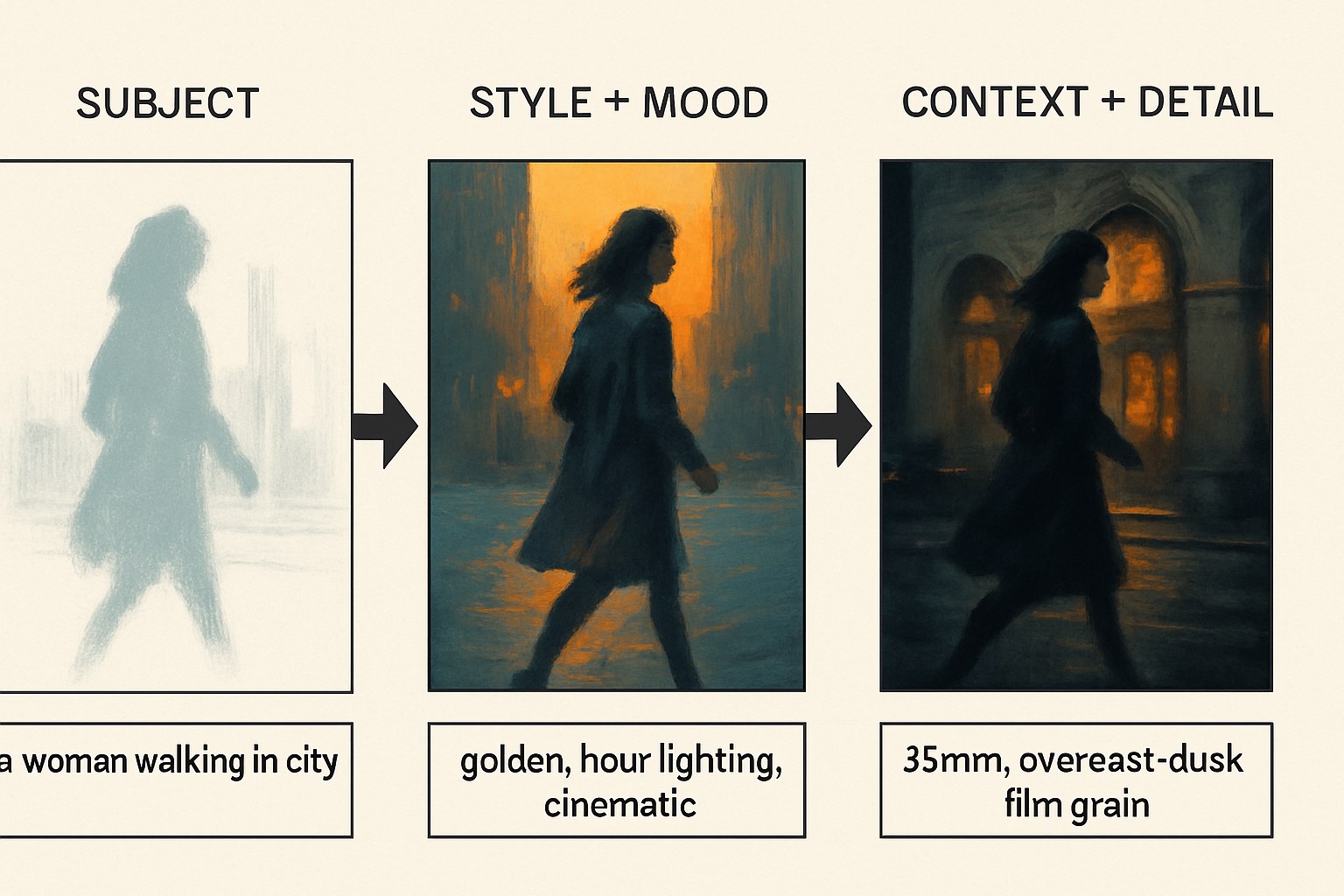
Most early frustration with AI image tools comes from prompts that are too vague. "A woman walking in a city" will give you something technically correct and visually boring. The fix is specificity about style, mood, and context — not just subject matter.
A prompt structure that reliably improves first results: subject + setting + lighting + style reference or medium. For example: "a graphic designer at a cluttered desk at night, warm lamp light, flat illustration style, muted palette" beats "a person working late" by a wide margin.
A few practical habits for day one:
- Iterate on one prompt, don't jump between tools. Pick one, run five variations of the same prompt tweaking one element at a time. You'll learn more in 20 minutes than from reading comparisons.
- Start with what the tool is good at. Ideogram if you need text in the image. Firefly if you're testing for a client project. Leonardo for broad experimentation. You'll notice the tool's native aesthetic quickly and can decide if it fits your work.
- Save prompts that work. Every tool produces outputs that surprise you. When one does, copy the exact prompt before you change anything.
Dailyblip did not run independent tests on these tools for this article — the guidance above is synthesized from official documentation and recent independent reporting, cited throughout. For anything where exact quotas or current plan terms matter, the tool's own site is the only reliable current reference.
Pick one tool based on your actual use case, not reputation. If you're not sure what your use case is yet, Leonardo's free tier gives you enough room to find out. The tools that are genuinely worth your time will become obvious once you've spent 30 minutes with one of them — and the prompting instincts you build carry over to whichever tool you use next.