← dailyblip · guides
Get guides like this by email → subscribe below
Guide

How to Create a Consistent Visual Style in Midjourney

Reuse style references and prompt language across a whole campaign or series.

Last reviewed July 20, 2026
Image GenerationTools & Workflow
How to Create a Consistent Visual Style in Midjourney

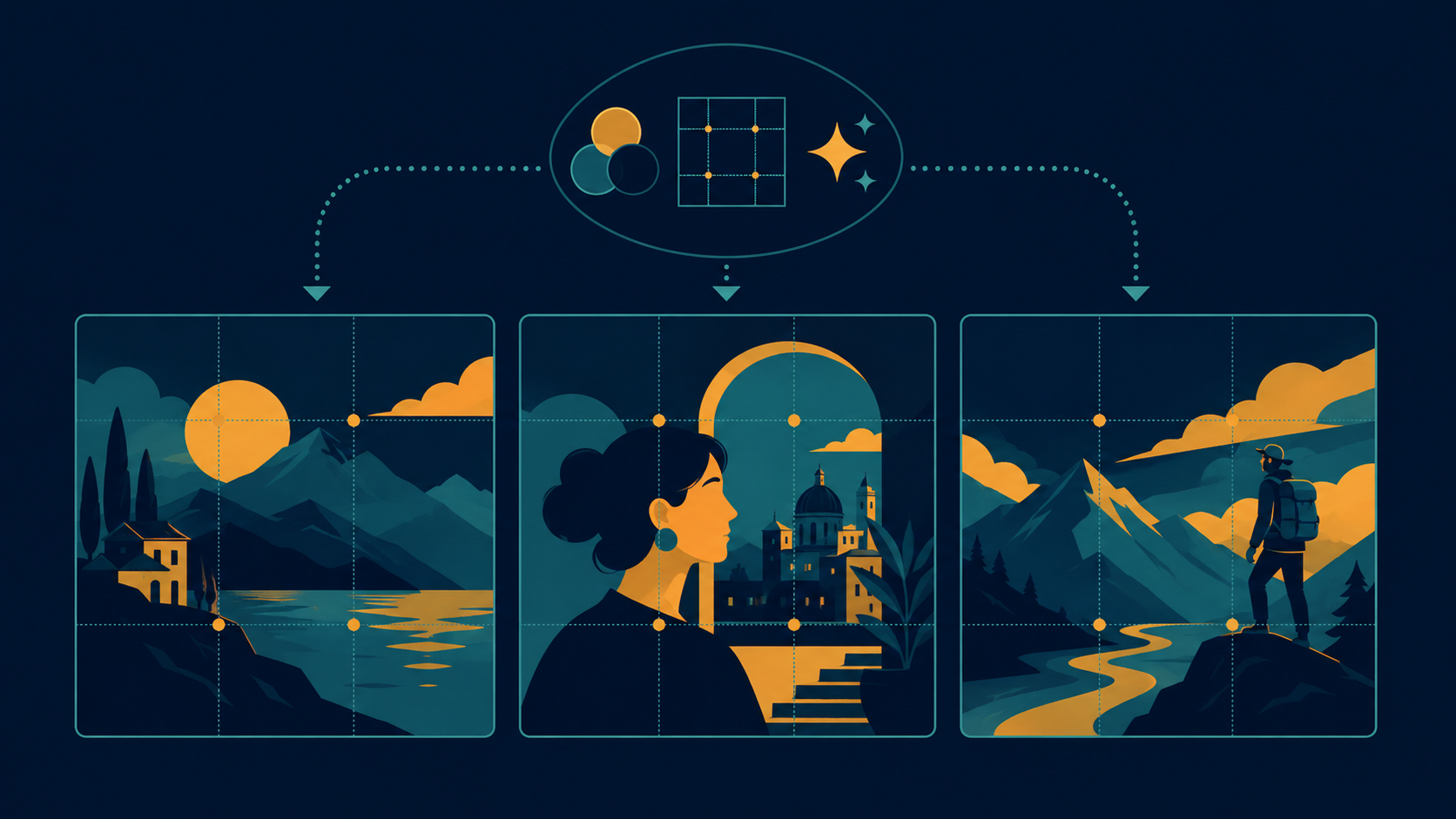
A campaign of images that all look like they belong together does not happen by accident. It happens by reusing the same anchors on purpose.

Anchor the style, not just the subject

Use a style reference (--sref) from an image you like, and reuse that exact same reference across every generation in the series.

Keep your lighting and lens language identical prompt to prompt. If one image says soft window light, 50mm lens, every other one in the set should too.

Lock your stylize value once you find one that works, and stop adjusting it between images in the same series.

Build a reusable prompt template

Write out your fixed style block once: lighting, lens, mood, color language, and parameters.

For every new image, only change the subject and setting. Leave the style block untouched.

Keep a running note of what worked. It becomes your actual style guide after just a few images.

Consistency is a template you commit to, not a setting you discover once and forget about.

PROMPTS TO TRY
Fixed style block, subject A
product on marble surface, soft window light, 50mm lens, muted warm tones --sref [your reference URL] --s 150 --ar 1:1
Same style block, subject B
second product on marble surface, soft window light, 50mm lens, muted warm tones --sref [your reference URL] --s 150 --ar 1:1
Character reference for a series
same character from reference, now in a new setting, consistent proportions and color palette --cref [your reference URL] --ar 4:5
KEY TAKEAWAYS

Enjoyed this? Get the next one.

One email, 6am daily. What changed in your creative stack, nothing else.

✓ You're on the list.
Last reviewed July 20, 2026. Have a correction? Tell us.