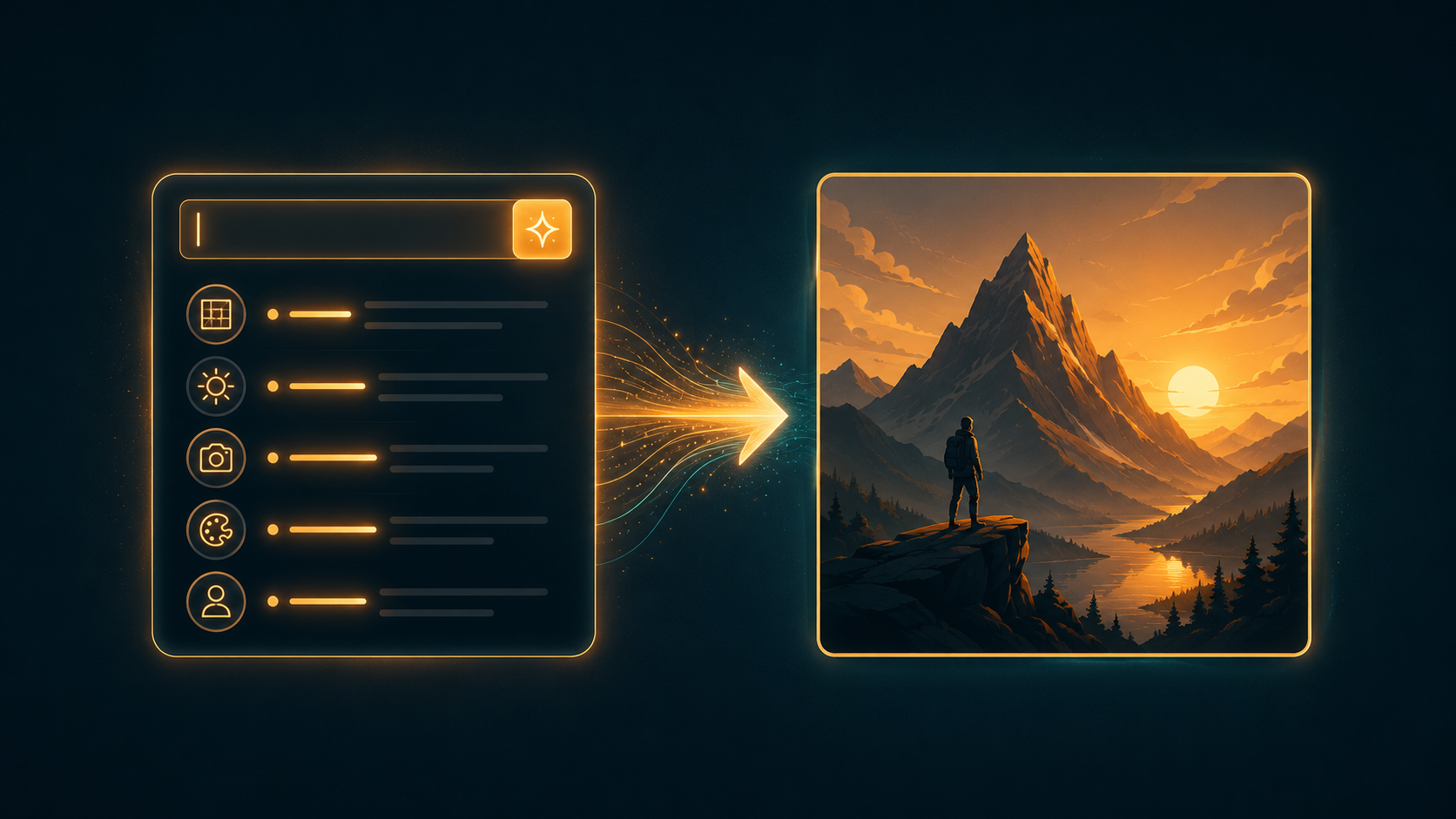
Vague prompts get vague images. ChatGPT's image model (GPT Image) rewards specifics the same way a real photo shoot does: subject, style, lighting, framing.
Describe it like a creative brief
Name the subject clearly, then add style, mood, and lighting on top of it.
"A golden retriever" gives the model almost nothing to work with. "A golden retriever sitting in a sunlit kitchen, warm morning light, shallow depth of field" gives it an actual scene.
Lighting direction matters more than most people expect. "Soft window light from the left" changes the image more than most style words do.
Put exact text in quotes
GPT Image is genuinely good at rendering readable text, which makes it useful for posters, signage, and social graphics.
But it only renders text reliably if you put it in quotes. Unquoted text is treated as a suggestion, not a hard requirement.
Write it as: text reading "SUMMER SALE" in bold white letters, not just summer sale text on the image.
None of this requires technical skill. It's the same instinct a photographer already has: name the subject, then direct the scene around it.