
Lofi hip hop is one of the most popular genres on the planet for a reason: it's warm, low-key, and endlessly listenable. And it turns out AI is surprisingly good at making it.
If you've ever wanted to produce your own chill beats but felt blocked by gear, software complexity, or just not knowing where to start, AI music tools remove almost all of that friction. You describe what you want. The AI builds it. Here's how to actually do that.
What AI music tools can actually do here
Modern AI music generators can produce full lofi tracks from a short text description. We're talking drums, bass, piano, vinyl crackle, the whole aesthetic. You don't play or program anything.
These tools are genuinely good at lofi specifically because the genre has a recognizable sonic fingerprint: muffled highs, swinging rhythms, warm chords, lo-fi textures. AI models trained on huge music datasets have absorbed that fingerprint and can reproduce it reliably.
What they're less good at is fine-grained control. You might love 80% of a generated track and wish you could tweak the drum pattern. Most free tiers don't let you do that yet. Think of your first output as a starting point or a reference, not necessarily a finished product.
Which tool to start with
Two tools stand out for different reasons.
Suno (suno.com) is a popular starting point for text-prompt music generation. You can sign up without a credit card and begin generating tracks immediately. According to Suno's official site, the free plan provides daily credits. However, independent reviews from Undetectr and Dynamoi report that following Suno's November 2025 Warner Music licensing deal, free-tier users can no longer download their generations at all, making export a paid feature. Verify the current situation directly at suno.com when you sign up. One other heads-up: free-tier generations are public, not private, and are licensed for personal use only, not commercial use.
Soundraw (soundraw.io) takes a different approach. Instead of open-ended text prompts, it gives you a dedicated Lofi Hip Hop genre option plus mood controls (think "Chill," "Relaxing") and texture settings like vinyl crackle and tape saturation. It's more focused and less freeform, which can actually be a feature when you just want something that sounds right quickly. Check soundraw.io directly for current free trial and download terms.
If you want to explore further, Beatoven.ai offers mood-based generation suited to background and chill music. Udio is another general-purpose generator, but according to Chartlex, Udio has disabled all user downloads and is now a streaming-only platform, so it's not a practical option if you need to export files.
How to write a prompt that actually sounds lofi
Suno's own homepage lists this example prompt: "chill lo-fi beat about rainy mornings." That's basically the format. Be specific about mood and setting rather than just genre.
A few prompt patterns that tend to work well:
- Genre + mood + texture: "lofi hip hop, mellow, vinyl crackle, late night study session"
- Instrumentation focus: "lofi beat with jazzy piano, soft drums, upright bass, warm and sleepy"
- Scene-setting: "lofi chill track, Sunday morning, coffee shop, soft guitar, ambient rain"
Things to include: tempo mood words (slow, lazy, drifting), instruments you like (piano, guitar, Rhodes, vibraphone), texture references (vinyl crackle, tape hiss, dusty), and an emotional or scene context.
Things you can skip: exact BPM numbers, chord names, music theory terms. The AI doesn't need them and beginners shouldn't have to provide them.

What to do with what you get
Generate a few variations first. Most tools let you regenerate or create multiple versions from the same prompt, and the difference between takes can be significant. Listen through and pick the one that has the right feel.
From there, a few paths:
- Use it as-is for personal projects. Background music for a video essay, a Twitch stream, a personal playlist. Just make sure you understand the licensing terms for your use case before posting anywhere publicly.
- Bring it into a DAW. If you have GarageBand, Logic, Ableton, or similar, you can import a downloaded track and layer your own elements on top. The AI gave you the vibe; you add your personality. Note that on Suno's free tier, independent reviews report downloads are currently disabled following a November 2025 licensing deal, so you'd need a paid plan to export files for this purpose.
- Upgrade if you need commercial rights. If you want to release on Spotify, use it in a monetized YouTube video, or sell beats, you'll need a paid plan. Suno offers paid tiers with commercial licensing. For Soundraw, check soundraw.io's current terms directly, as we haven't independently verified the scope of their paid commercial licensing. Read the terms carefully before you publish anything, and verify current terms on each platform's site since these are changing fast.
Your first generated lofi beat will probably surprise you with how listenable it is. That's the point. Start there.
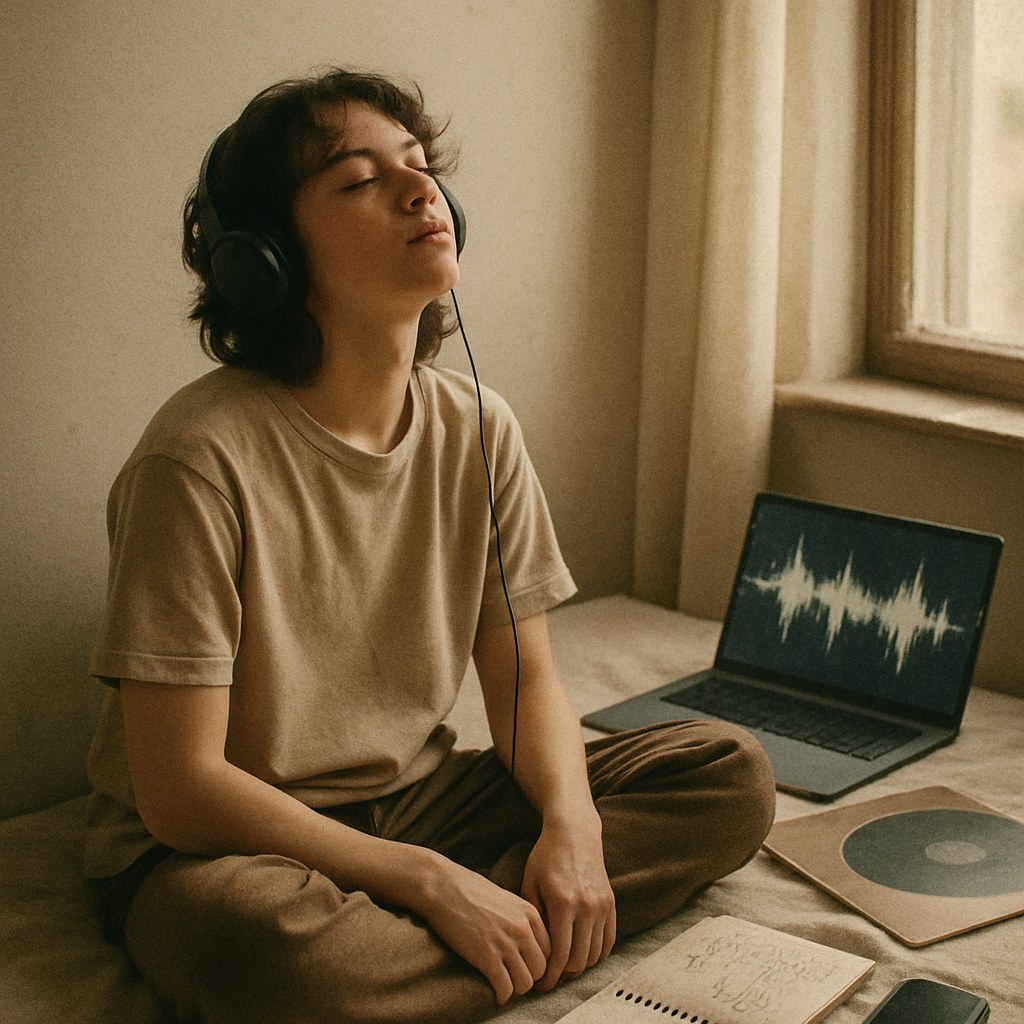
Making lofi beats with AI is one of the most approachable entry points into AI-assisted music creation. The genre is forgiving, the tools are beginner-friendly, and the gap between "typed a prompt" and "this actually sounds good" is genuinely small. Open Suno or Soundraw today, try a few prompts, and see what comes out. You'll have something worth listening to within the hour.