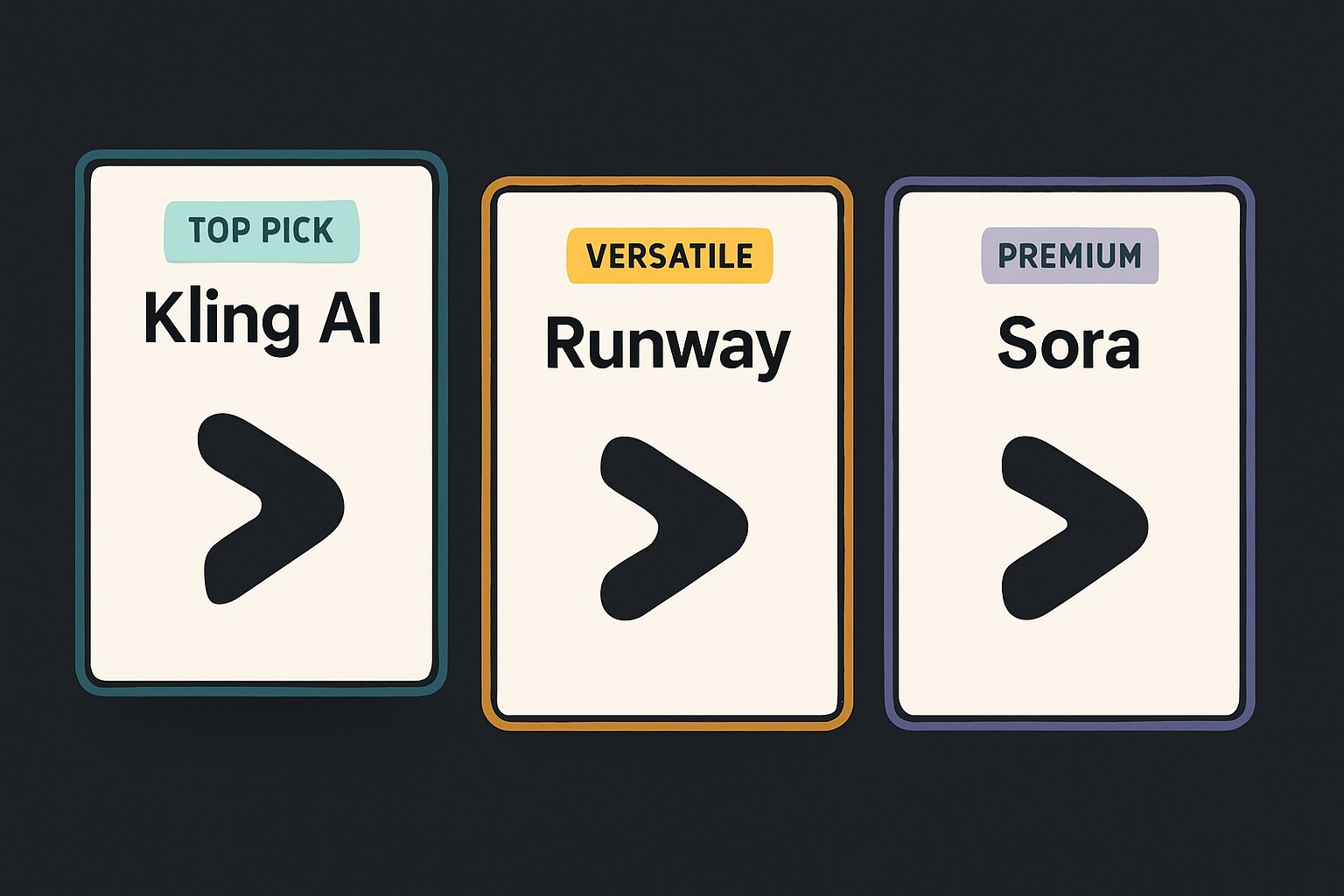
AI video generation in 2026 is genuinely usable, not just demo-reel impressive. You can take a text prompt or a still image and get back a short, realistic video clip in minutes. What you can't do yet: generate anything longer than a minute or so per clip without stitching, get reliable results every time, or count on audio syncing perfectly. Set that as your baseline, and these tools start to make a lot of sense for short-form content, promos, concept visualization, and experimentation.
The two tools to actually start with — and a note on Sora
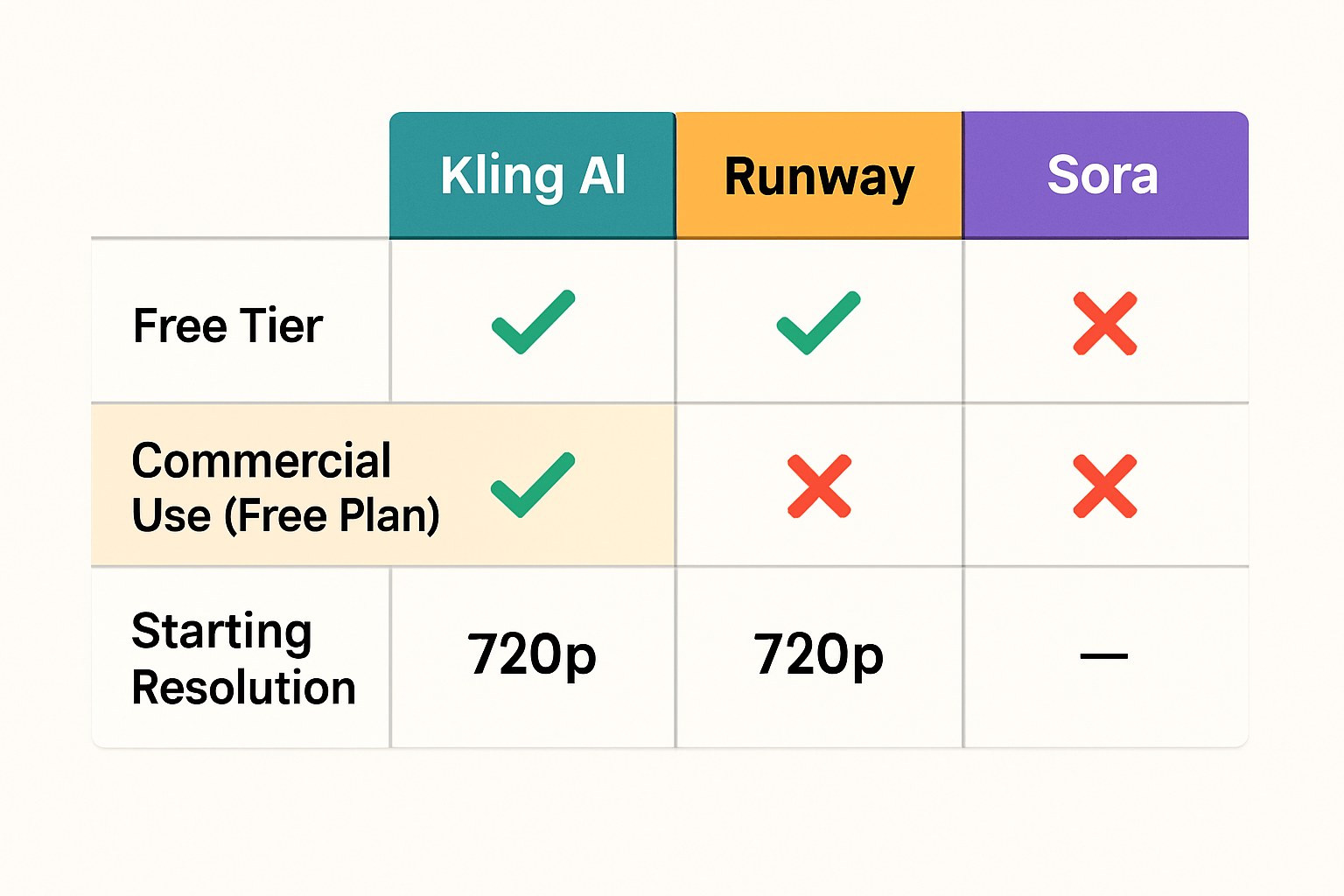
Kling AI (by Kuaishou) is, as of mid-2026, the strongest overall pick for new creators based on independent reviews citing its character consistency and motion realism among consumer-facing tools. It supports both text-to-video and image-to-video, has a free tier with daily credits at 720p (around 66 credits per day, per Atlas Cloud's review of Kling's pricing), and is accessible internationally at kling.ai. The current flagship is Kling 3.0. Native clips run up to 10 seconds, but the extension feature lets you chain clips toward a few minutes of total footage.
If you're primarily a filmmaker or video editor who wants to work from text prompts rather than reference images, Runway Gen-4.5 is a better fit. Runway has been a mainstay of the AI video space since before most competitors existed, and the Gen-4/4.5 lineup is its current active product. The free plan gives you a one-time batch of 125 non-renewing credits, enough to test the interface and generate a handful of short clips using Gen-4 Turbo image-to-video. Paid plans starting around $15/month unlock Gen-4.5 text-to-video and additional models. Watermarks appear on free-tier output; paid tiers remove them.
A word on Sora: OpenAI's video model gets a lot of coverage, but it's a poor choice for anyone starting out right now. The free tier ended in January 2026, and the consumer app was discontinued in April 2026. Sora 2 now exists only as a developer API with per-second pricing, and that API is scheduled to sunset in September 2026. Unless you're a developer actively integrating it before that deadline, skip it. Google Veo 3 is worth watching as a strong fourth option and is widely cited in mid-2026 reviews as the highest-quality output available — but access is currently limited to Google AI Ultra subscribers and API users, so it's not the easiest place to start. Pika 2.5 is a reasonable alternative if you want stylized or social-media-optimized output specifically.
 Kling AI →
 Runway →
Before you publish or monetize anything
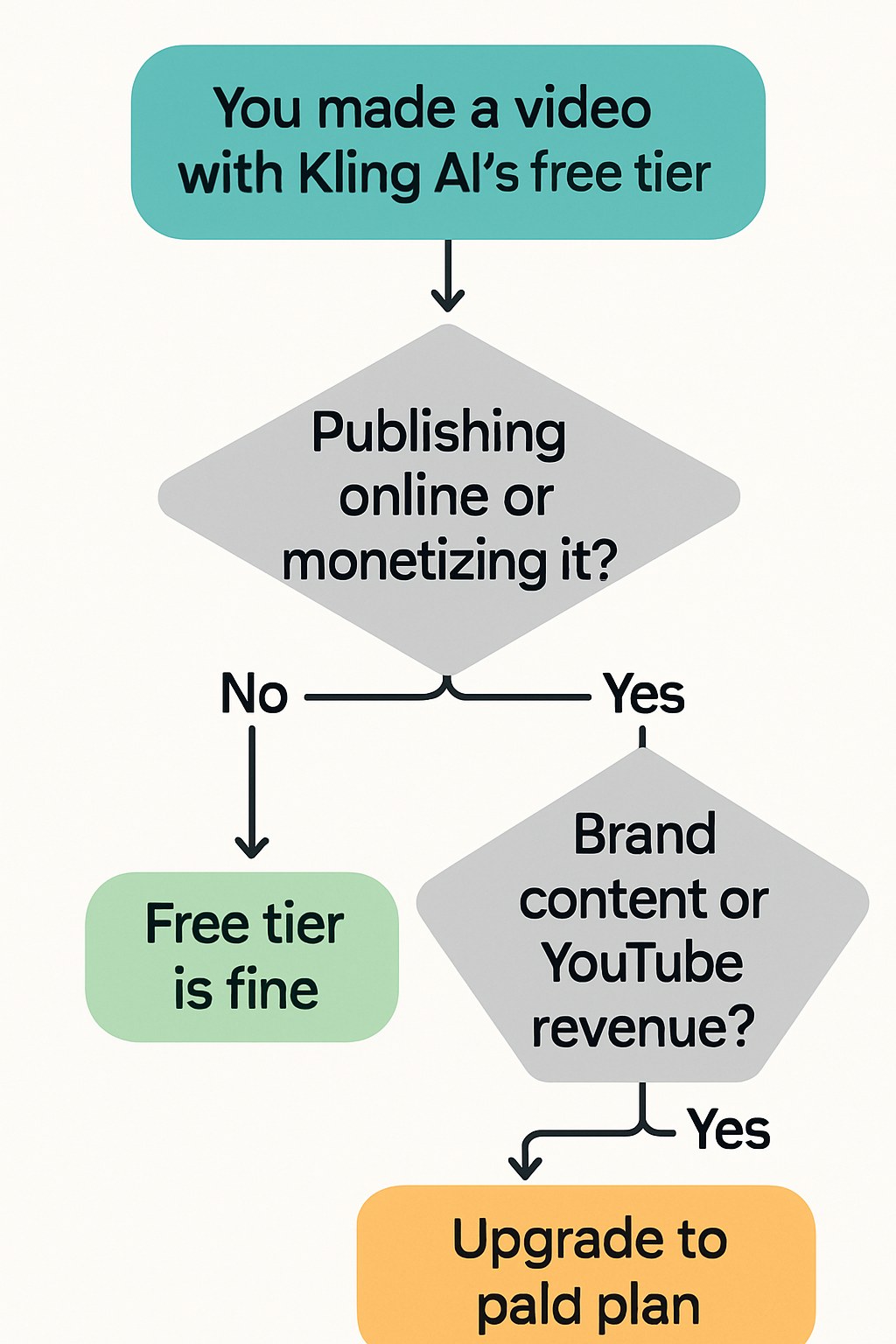
Kling AI free tier: According to an independent review of Kling's pricing (Atlas Cloud, accessed July 2026), the free plan explicitly prohibits commercial use of generated content. If you're publishing for a brand, selling footage, or monetizing a YouTube channel, you need a paid plan. Paid tiers unlock commercial rights alongside 1080p/4K output and watermark removal.
Runway: Runway's official free plan help documentation does not specify commercial use rights for the free tier. Independent third-party reviews suggest commercial use may be permitted across all tiers, but this has not been confirmed against Runway's Terms of Service. Runway's free plan output also carries a visible watermark, which is a practical problem for anything you'd actually publish. Check Runway's current Terms of Service at runwayml.com before distributing anything commercially — don't rely on third-party summaries, including this one, for that call.
Sora / OpenAI: Consumer access to Sora is gone (free tier ended January 2026, consumer app discontinued April 2026), so the previous question of whether free-tier Sora output could be used commercially is moot. If you're accessing Sora 2 via the API before it sunsets, check OpenAI's current usage policies at openai.com/policies directly — specific commercial license terms for API output were not retrievable from official sources for this guide.
Veo and Pika: If you end up trying either as an alternative, treat their free-tier commercial rights as unverified until you've read their current ToS. This space updates frequently enough that any third-party summary (including this one) may be stale by the time you're reading it.
Start with Kling if you want to generate your first clip today without paying anything. Go to kling.ai, describe what you want to see, and let Kling 3.0 do the work. If the 10-second clip length feels limiting immediately, Runway's free trial credits are worth burning through next to compare. Either way, you'll have a real sense of what these tools can and can't do within an afternoon — which is a more honest education than any guide can give you.