The output isn't bad exactly. It's just... smooth in a way that feels wrong. Every sentence lands the same weight, every image has that same lit-from-everywhere quality. You can feel it before you can name it. The fix isn't a secret setting or a better tool. It's understanding what's actually happening mechanically when these systems produce text and images under vague instructions, and then making two or three deliberate choices that interrupt that process.
What's actually producing that flat, generic feeling
The blandness isn't accidental. LLMs are trained to predict the most probable next token, which means under-specified prompts push them toward the statistical center of everything they've seen. Two peer-reviewed studies confirm what most people sense: LLM text shows measurably more uniform sentence lengths, less vocabulary variety, and a flatter emotional register than human writing. A 2024 study in Artificial Intelligence Review found that human texts exhibit more scattered sentence-length distributions and richer lexical variety, while LLM outputs skew toward neutral, emotionally flat language. A PNAS study applied a 66-category linguistic framework to LLM vs. human writing and found statistically significant differences in passive voice use, hedging language, and what linguists call nominalization (turning verbs into nouns, like "provide assistance" instead of "help").
These aren't stylistic quirks. They're structural outputs of how the model works. Low-specificity prompts get you the average of all training data. High-specificity prompts get you something closer to what you actually had in mind.
For images, the research picture is less precise. Reviewers across several independent write-ups tend to describe AI image tools as defaulting to clean compositions and even, sourceless lighting, Adobe Firefly among them. Whether that's compositional or lighting-based or just a function of the training data, the perceptual result is the same: the image reads as produced rather than captured.
Your prompt is doing more work than you think
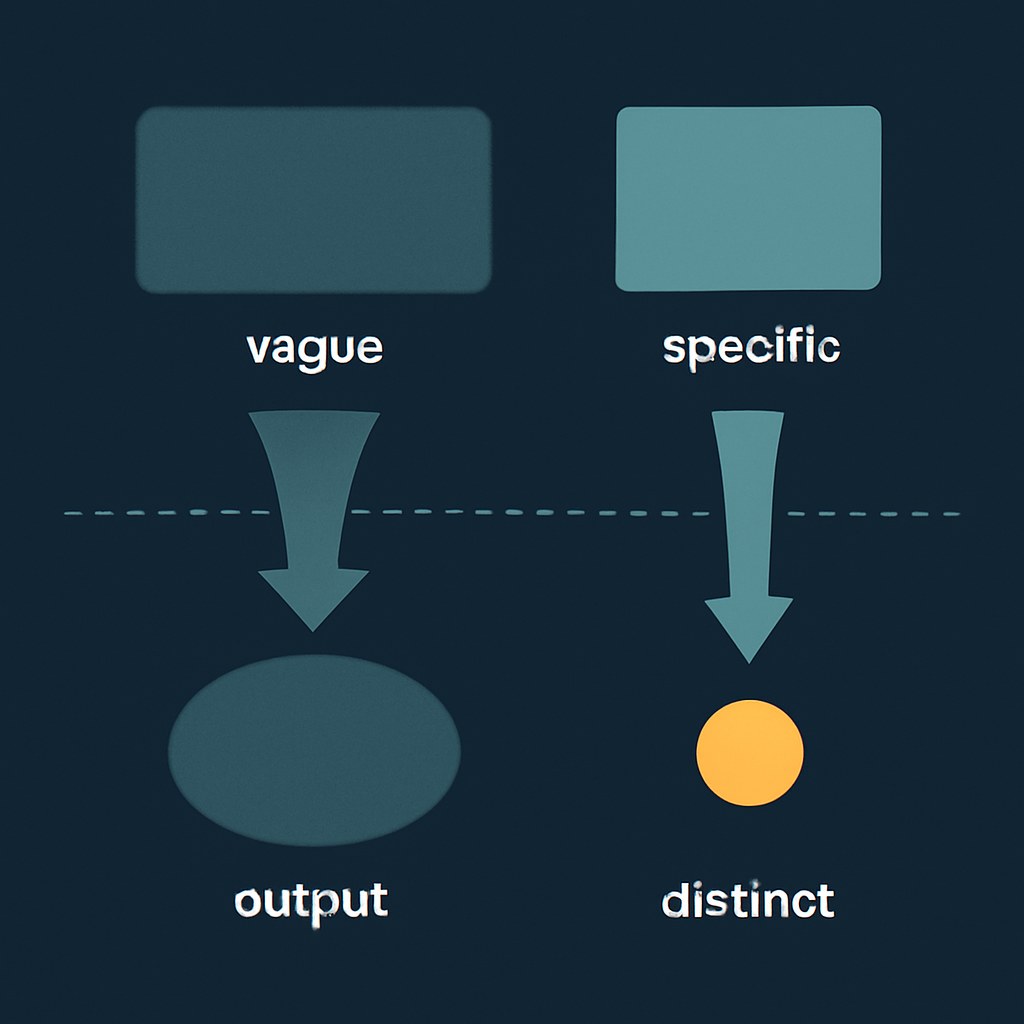
The single highest-leverage change most beginners can make is writing a more specific prompt. This is well-documented for image generation: a 2025 ACM study found that clear attribute specifications, explicit spatial details, and defined style boundaries measurably reduce distortion and improve semantic consistency in generated images. Vague prompts, the same study found, consistently produce stylistic mismatch and unintended composition. That study examined image models specifically, not text generation, but the underlying mechanic maps across.
For text tools, this is widely held practitioner wisdom rather than a rigorously measured finding in peer-reviewed research. A prompt like "write a blog post about remote work" gives the model nothing to anchor to except its statistical defaults. A prompt like "write an opening paragraph for a piece aimed at freelance designers who resent productivity culture, in a tone that's dry and a little impatient" gives it actual constraints to work within.
Try building your text prompts around three things: who this is for, what tone or register you want, and one specific thing you do NOT want ("avoid bullet points," "no inspirational language," "don't open with a question"). Negative constraints are underused and often do more than positive ones.
For images, add specificity to lighting direction, camera angle, time of day, and surface texture. "Soft window light from the left, slightly cluttered desk, mid-morning" will break the stock-photo flatness that "professional workspace" produces. Spatiotemporal detail, as the ACM paper puts it, is where the specificity pays off.
The editing pass that changes everything
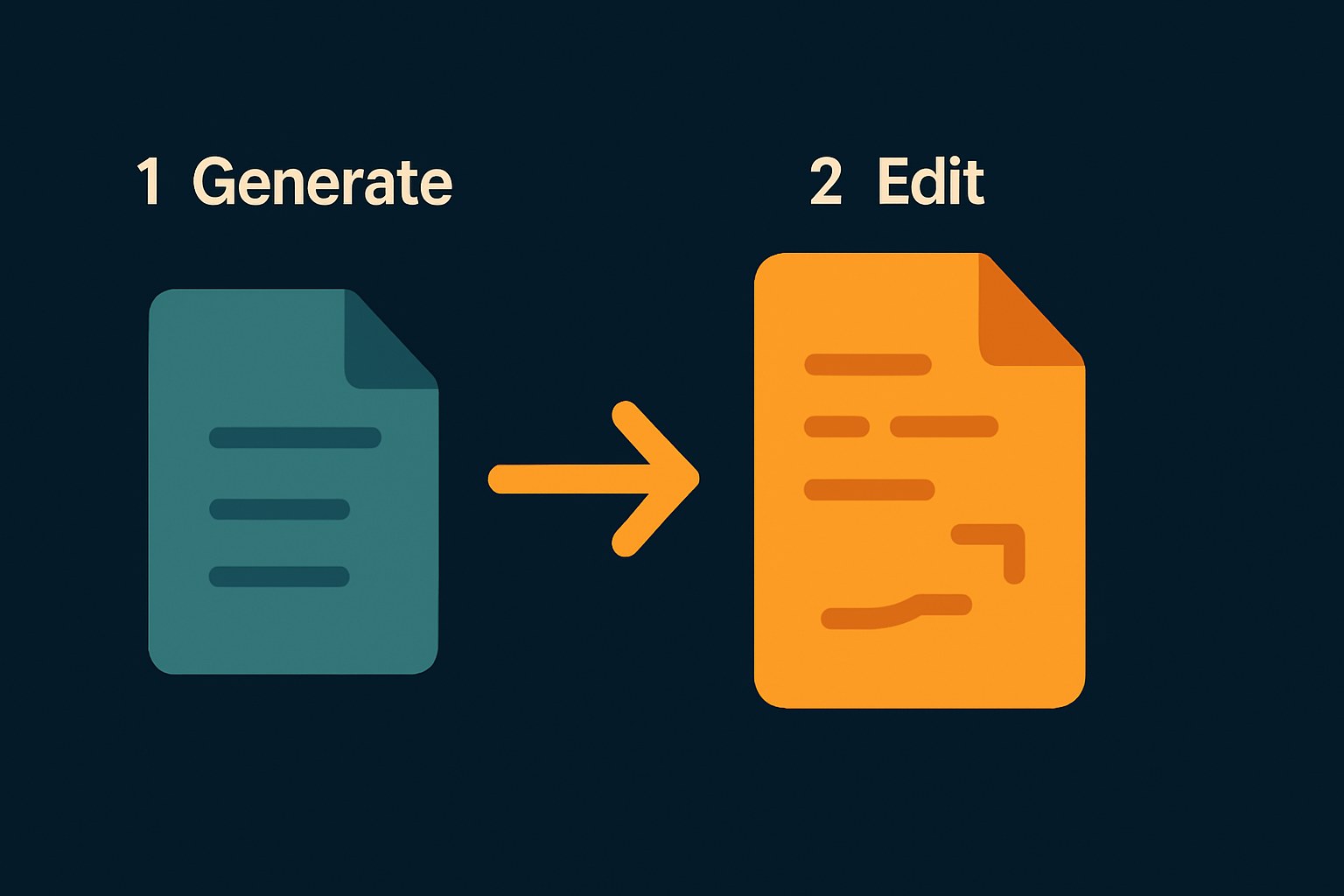
Generation is step one. The actual work is what you do after.
For text: read it out loud, even quietly. The tells will surface immediately. You're listening for sentences that land with identical weight back to back, hedging phrases like "it is important to consider" or "this approach can often be beneficial", and transitions that exist only to connect paragraphs that shouldn't be separate. Cut or rewrite those on sight. Add a sentence that only you could write, something with a specific reference, a concrete example, an actual opinion. The goal isn't to hide that you used AI. It's to make the piece worth reading.
For images: post-generation editing is where AI image tools stop being vending machines and start behaving more like software. Adobe Firefly's Generative Fill lets you select and reprompt specific regions of an image, which is useful for changing elements that read as generic without regenerating the whole thing. Firefly has a free tier worth testing, though Adobe adjusts credit limits and watermark policies periodically, check Adobe's site for current terms. The full inpainting workflow in Photoshop requires a paid Creative Cloud subscription. Midjourney has an equivalent inpainting feature for selected regions; check Midjourney's documentation for its current name and plan requirements, as both have changed over time.
The specific thing to fix in AI images: light direction and shadow consistency. Adding a shadow that matches a specific light source will do more to make an image feel real than any prompt refinement. Most AI image defaults have light coming from everywhere, which is how you get that "no one actually took this photo" feeling.
One check before you publish
You might be tempted to run your text through an AI detector as a final gut-check. Use that temptation carefully. Independent analysis of detection tools shows wildly inconsistent results: a 2024 PMC study (cited secondhand via a Skywork AI blog post, which is worth noting given that Skywork AI is a competing AI company) found GPTZero has an 18% false positive rate on human-written text. A November 2025 arXiv study cited by Originality.ai's own blog, a source with an obvious stake in the findings, since Originality.ai came out on top, found Originality.ai performed best among commercial tools at 96% accuracy, but with an 8% false positive rate; the same source reported ZeroGPT at 38% false positives. OpenAI launched its own detection tool and later shut it down; the company's stated reason included concerns about reliability, though third-party reporting has characterized this in varying ways. The direct-from-OpenAI version is: treat that shutdown as a data point, not a full explanation.
The practical takeaway: AI detectors are not reliable enough to treat as a verdict on your own work. A false positive doesn't mean your writing sounds like AI. It might just mean you wrote in a formal register on a short text sample.
A more useful final pass: ask yourself whether any single paragraph could have been written without your specific knowledge, experience, or point of view. If every paragraph could have come from anyone, that's the actual problem, and no detector will catch it for you.
DailyBlip hasn't run independent tests on these tools or techniques. These observations draw on published research and independent reviews, linked throughout.
None of this requires a paid upgrade or a new tool. Most of it is a change in how you're using the tools you already have. Treat generation as a rough draft, not a deliverable. Put something specific only you could write into every piece. And do the editing pass that AI can't do for you.