
You ask for a restrained acoustic ballad. Suno gives you a soaring pop chorus. You specify female vocals and no piano. You get a male singer opening with piano.
This usually isn't random, it's a structure problem. Your instructions might be competing with each other, sitting in the wrong field, or asking for a level of precision Suno just can't reliably deliver. Once you understand how Suno actually reads a prompt, most of this becomes fixable.
Where your prompt is probably going wrong
Suno's Custom Mode has three distinct input areas: Style, Lyrics, and Exclude (under Advanced Options). Most prompt problems come down to using them wrong, or not using them at all.
The Style field is for the overall sound: genre, mood, main instruments, vocal character, production feel. Think of it as your brief to the session players before anyone picks up an instrument. Keep it focused, community guides suggest there's a character limit here, so four or five reinforcing descriptors will serve you better than ten conflicting ones regardless.
The Lyrics field is where your actual song text goes, plus section labels like `[Verse]`, `[Chorus]`, `[Bridge]`. Community guides consistently suggest placing arrangement cues, things like "sparse guitar here" or "drop the drums", inside the Lyrics field, right below the relevant section label, rather than cramming them into Style. That convention isn't officially documented by Suno, and it's community-sourced rather than established best practice, so take it as a starting point worth experimenting with rather than a rule. The logic behind it makes sense though: it keeps global and local instructions separated.
The Exclude field is the right place to block unwanted instruments or qualities. Writing "no piano" inside a Style prompt is easy for the model to deprioritize when it's competing with ten other descriptors. Putting "piano" in Exclude is a cleaner signal.
The other big culprit: too many priorities in one place. A prompt like "emotional alternative rock, intimate male vocals, distorted guitars, no piano, restrained verses, explosive chorus, orchestral bridge, unusual chord changes, gradual tempo increase, 30-second guitar solo, abrupt ending" isn't wrong, it's just more than Suno can weight evenly. Some of it sticks, some disappears. Start with genre, mood, main instrumentation, and vocal character. Generate from that, then layer in specifics.
One more thing: section labels like `[Verse]`, `[Chorus]`, `[Bridge]`, and `[Outro]` are widely used and recognized by Suno, but they're descriptive guidance, not hard commands. They influence structure, they don't enforce it like a DAW would. And `[Repeat Chorus]` shorthand tends to be unreliable, based on community reports (no official word from Suno on this either way). Writing the chorus lyrics out in full every time you want them to appear gives Suno less to guess at, and that seems to help, but your mileage may vary.


Cinematic indie rock, intimate verses and expansive shoegaze choruses, fingerpicked guitar, live drums, breathy female lead with subtle male harmony, warm analog production.
[Short Acoustic Intro]
Sparse fingerpicked guitar

[Verse 1]
Breathy female lead
Minimal guitar and quiet drums

[Pre-Chorus]
Introduce drums, add low male harmony

[Chorus]
Expansive distorted guitars
Full drums and wider vocal

[Bridge]
Unexpected harmonic shift
Pull back instrumentation, whispered vocal

[Final Chorus]
Full arrangement returns

[Abrupt Ending]
When it still goes sideways: fixing generations one thing at a time
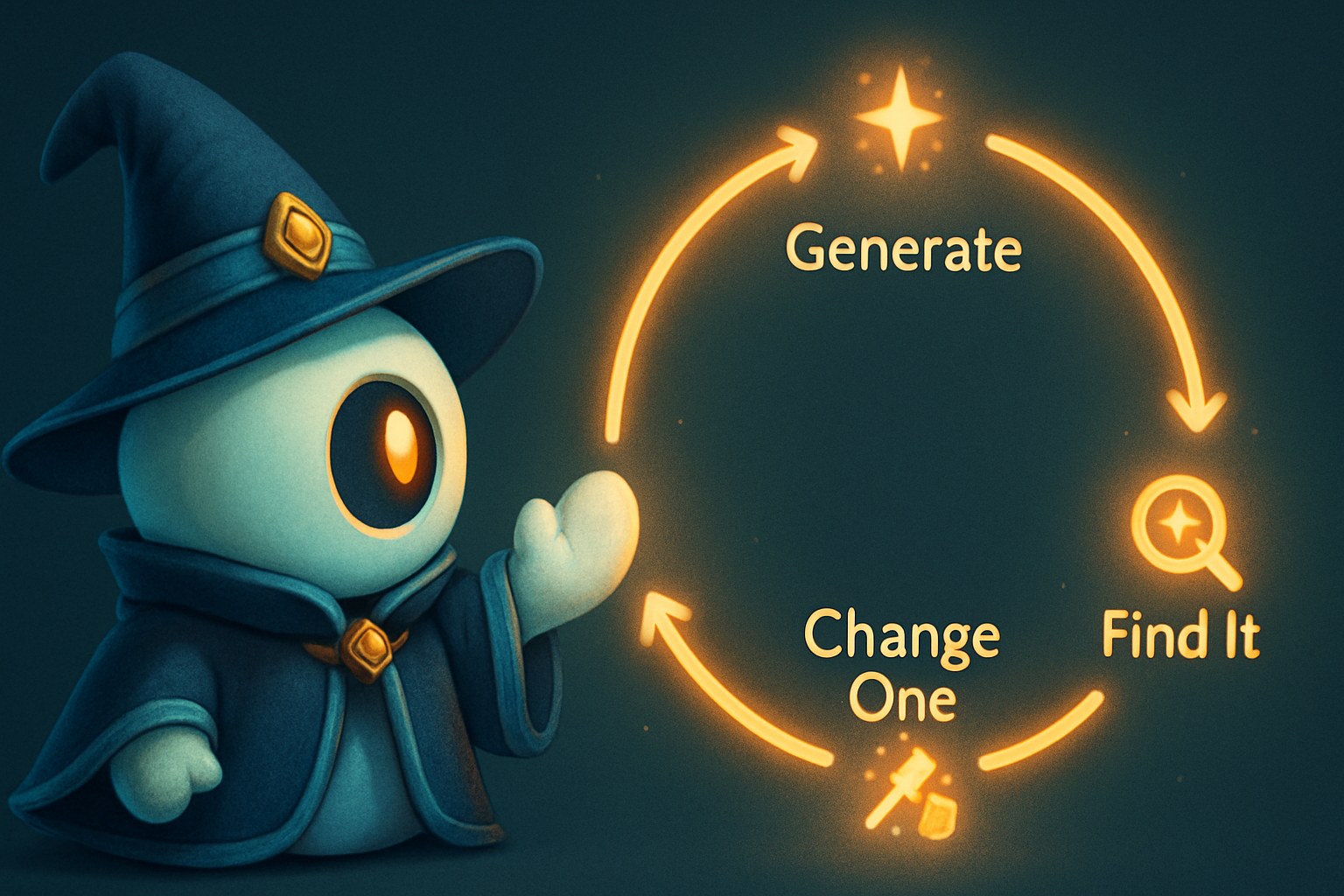
When a generation fails, the instinct is to rewrite everything. That usually makes things harder to diagnose, not easier.
Pick the single biggest problem, wrong voice, wrong genre, too much going on instrumentally, and change only the instruction closest to that issue. If the vocal was too theatrical, change that descriptor and regenerate. Don't also touch the genre, the arrangement cues, and the lyrics at the same time, or you won't know what actually fixed it.
For complicated arrangements, build in stages. Get a verse and chorus you're happy with before extending into a bridge or unusual structure. Suno's Extend feature lets you continue a track from a chosen timestamp, keeping the audio up to that point and generating new material from there, useful for adding an ending or replacing a section that fell apart. Reuse Prompt is a separate thing: it re-populates your previous Style and Lyrics text fields so you can revise and regenerate without rebuilding the prompt from scratch. It doesn't carry over any audio from the prior generation, you're starting a fresh generation, just with your old prompt text pre-loaded.
Also check your lyrics for structural consistency. If Verse 1 has four short lines and Verse 2 suddenly has two long rambling sentences, Suno may rush the words, skip a line, or loop back to Verse 1 because it fit the established melody better. You don't need perfect syllable matching, but corresponding sections should have roughly similar line counts, line lengths, and rhyme placement.
Finally: some of this is just the nature of generative music. Two runs from the same prompt can sound genuinely different, and techniques that work reliably for one person may not for another, especially after model updates. The goal isn't perfect obedience. It's reducing ambiguity until Suno has fewer reasonable ways to misread what you want.
No original testing was conducted by dailyblip, the behavioral observations here are drawn from community sources and independent creator guides, noted where relevant above.
Suno follows the clearest, most internally consistent parts of a prompt. It gets wobbly when instructions crowd each other, contradict, or try to specify things a DAW handles but a generative model doesn't. Separate your fields, keep your Style focused, and build complicated songs in stages rather than hoping one perfect prompt does all the work.