Most AI image tools weren't built with game sprites in mind. That means they'll happily generate beautiful art that's completely unusable for a browser game, wrong proportions, no transparency, wildly inconsistent between characters. This guide skips the tools that waste your time and focuses on what actually helps you go from a design doc to a first batch of assets that look like they belong together.
Which tools are actually worth trying for sprite art
The honest answer is: none of them are great at pixel art out of the box. But a few are genuinely useful for non-pixel sprite art and character illustration, which is what most browser games need anyway.
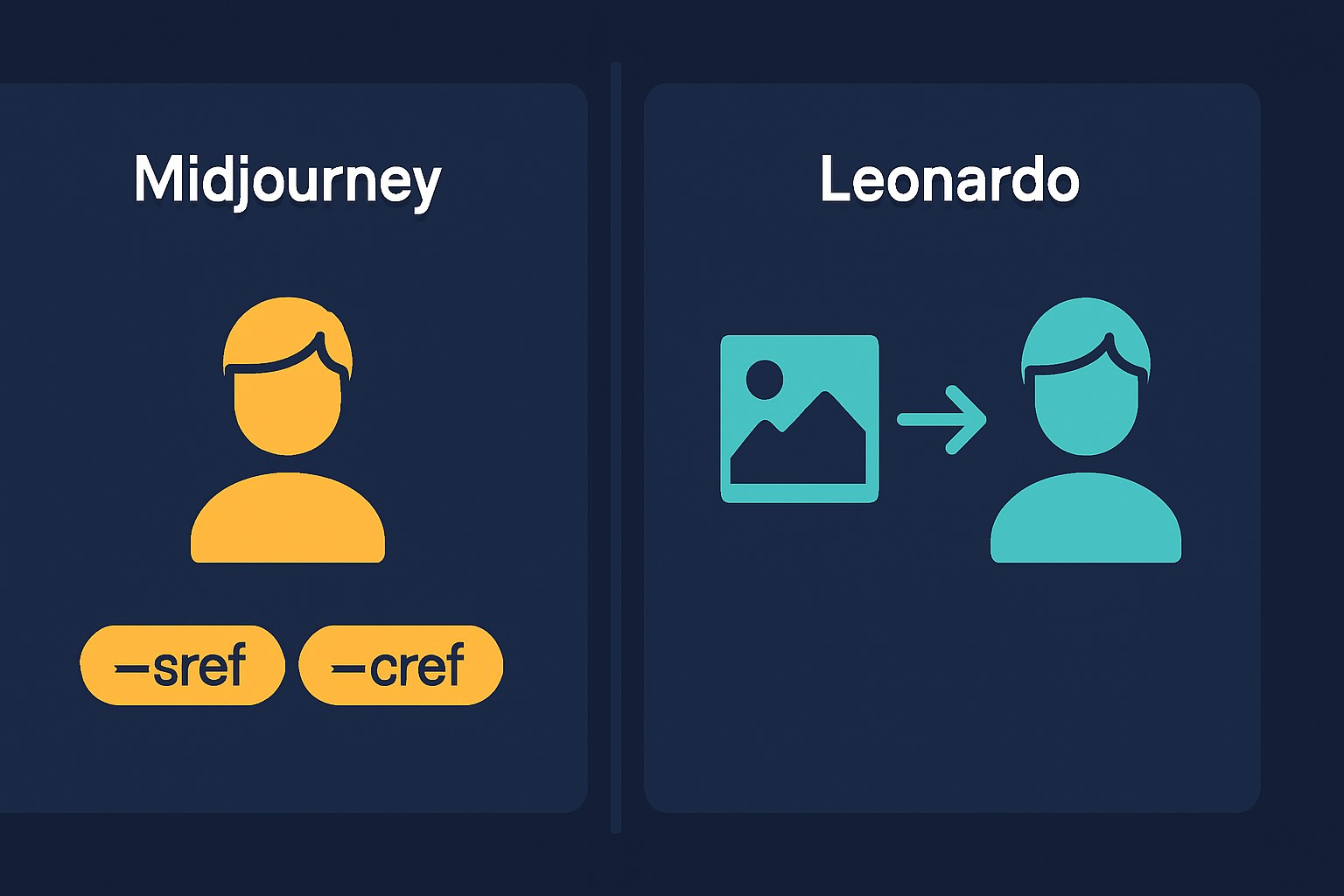
Midjourney tends toward the more consistent end for stylized character art, based on independent community observations, though results do vary by pose and angle, and complex characters are harder to hold together. It doesn't have a sprite-specific mode, but it handles illustrative styles well and its `--sref` (style reference) and `--cref` (character reference) parameters give you a real consistency system that cloud tools generally don't match. `--cref` lets you point at a character image and carry their look into new prompts, face, hair, colors. `--sref` locks down the visual style across your whole asset set. They work best together. No free tier, you'll need a paid plan.
Leonardo.ai has two different consistency features worth knowing about, and they're not the same thing. The simpler one is Character Reference: upload a reference image, and it tries to carry that character's look into new generations. The more involved option is custom LoRA training, where you feed the tool 10–20 of your own reference images to build a tighter, more persistent style model. LoRA training has a steeper learning curve and requires a paid plan, one independent review (Amrytt) mentions the Artisan plan at around $30/month, but that's a third-party source, not Leonardo's own pricing page, so check leonardo.ai directly before committing. The Character Reference feature has also shifted plan availability over time, so it's worth confirming current access before you rely on it. There's a free tier with enough daily credits to experiment.
Adobe Firefly is a strong pick if commercial use is your first concern, with one important caveat: the explicit indemnification is an enterprise-tier feature, not something you get on a free or standard paid plan. That said, its training data is licensed rather than scraped, which puts it in a different category from most competitors for commercial work. The style and structure reference features exist and work, applying them to sprites is a reasonable inference, not an officially documented use case, but community feedback suggests it holds up for illustration-style assets. Free plan available.
Stable Diffusion (via ComfyUI or Automatic1111) is in a different category entirely. It's free, runs locally, and has a real ecosystem of pixel-art and sprite-focused LoRA models on CivitAI and Hugging Face that genuinely outperform generic models for this use case. ControlNet gives you pose and composition control that cloud tools can't match. The tradeoff is setup time and hardware, 8GB VRAM is roughly the practical floor to get started, though more headroom helps with quality and speed. If you have the machine and the patience, it's the most powerful option by a lot. If you don't, start with Midjourney or Leonardo and come back to this later.
 Midjourney →
 Leonardo.ai →
 Adobe Firefly →
 Stable Diffusion (ComfyUI / Automatic1111) →
From design doc to first sprite: prompts and style consistency
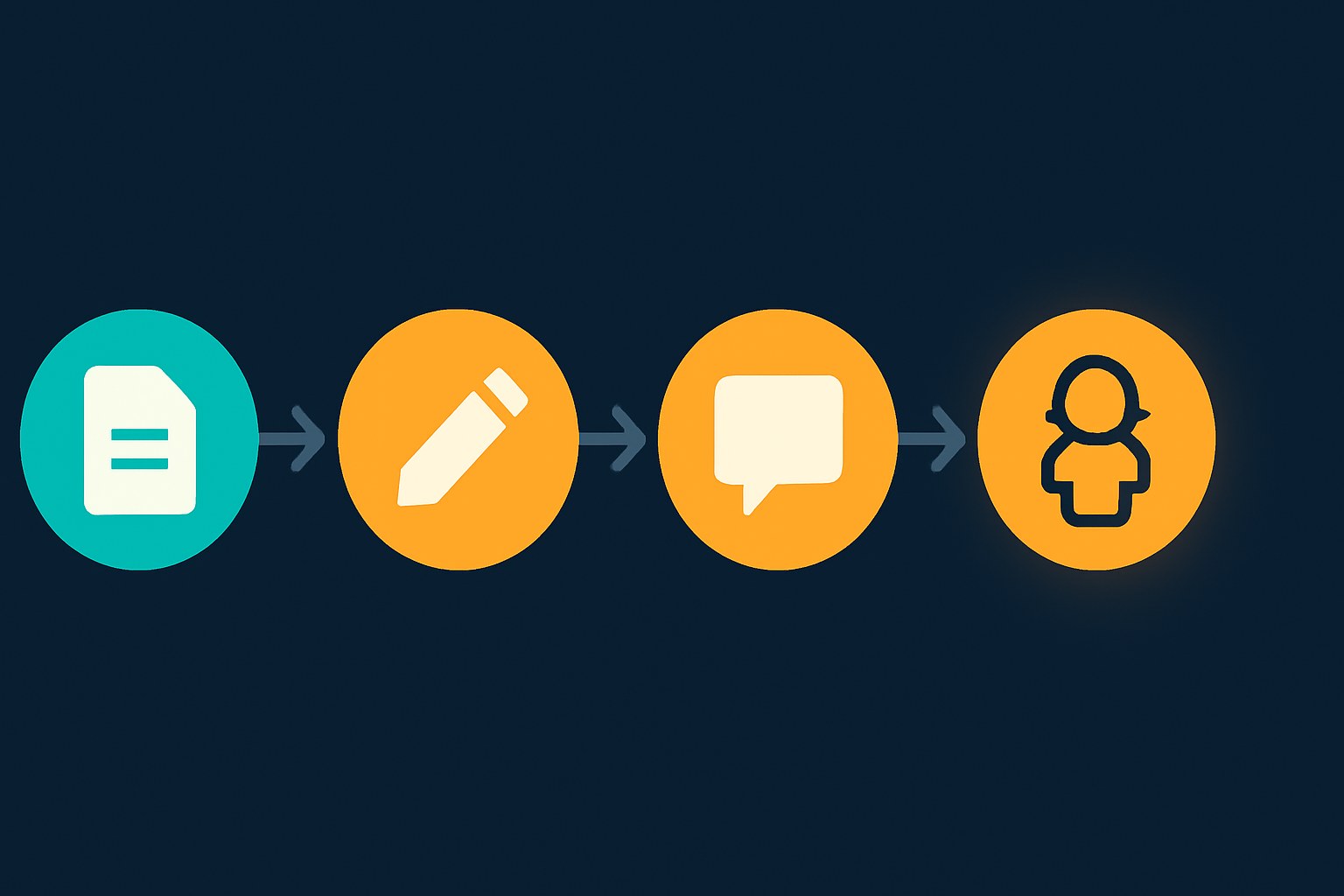
Your design doc is already most of a prompt brief, you just need to pull the right parts out of it.
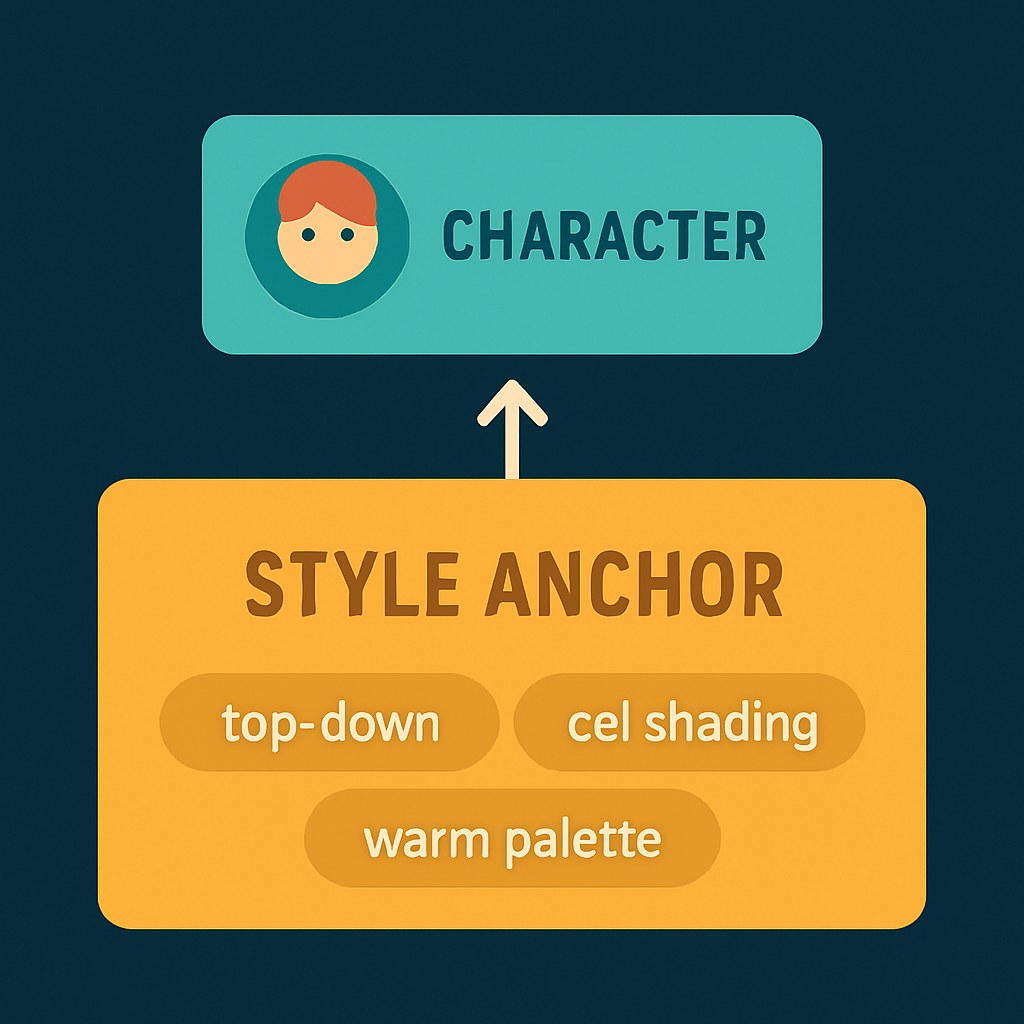
Start by writing a short style anchor: three to five phrases that describe your game's visual identity. Something like: 16-bit RPG, warm earthy palette, top-down perspective, flat cel shading, no gradients. This goes into every single prompt you write. Every one. That's the simplest consistency trick there is.
For character prompts, add your character's specifics on top of the style anchor, don't swap the anchor out, stack on top of it. A working prompt structure looks roughly like:
`[style anchor] + [character description] + [what they're doing/pose] + [technical needs]`
The "technical needs" part is where a lot of first attempts fall flat. Worth including phrases like transparent background, game sprite, full body, and the view angle your game actually uses (top-down, side view, isometric). These are widely used practitioner tips rather than officially verified product features, no one has run a controlled study, but they show up consistently enough in community workflows that they're a reasonable starting point. Try them and adjust.
Once your first character looks right, that's your reference image. From there:
- In Midjourney, paste that image URL as `--cref [url]` and add `--sref [url]` to lock the style too.
- In Leonardo.ai, upload it to the Character Reference field before generating.
- In Firefly, you can use the Style Reference input to carry over colors, lighting, and texture, but Firefly doesn't have a character reference equivalent, so don't expect it to preserve a specific character's face or details the way Midjourney's `--cref` does.
Generate your second character using the first as a reference, even if they're completely different characters. The goal is that both were generated under the same style constraints, so they'll look like they're from the same game.
For things like environment tiles and UI elements, drop `--cref` (that's for characters) and use only `--sref` with your first character or an early environment piece as the reference. Same visual logic, different asset type.
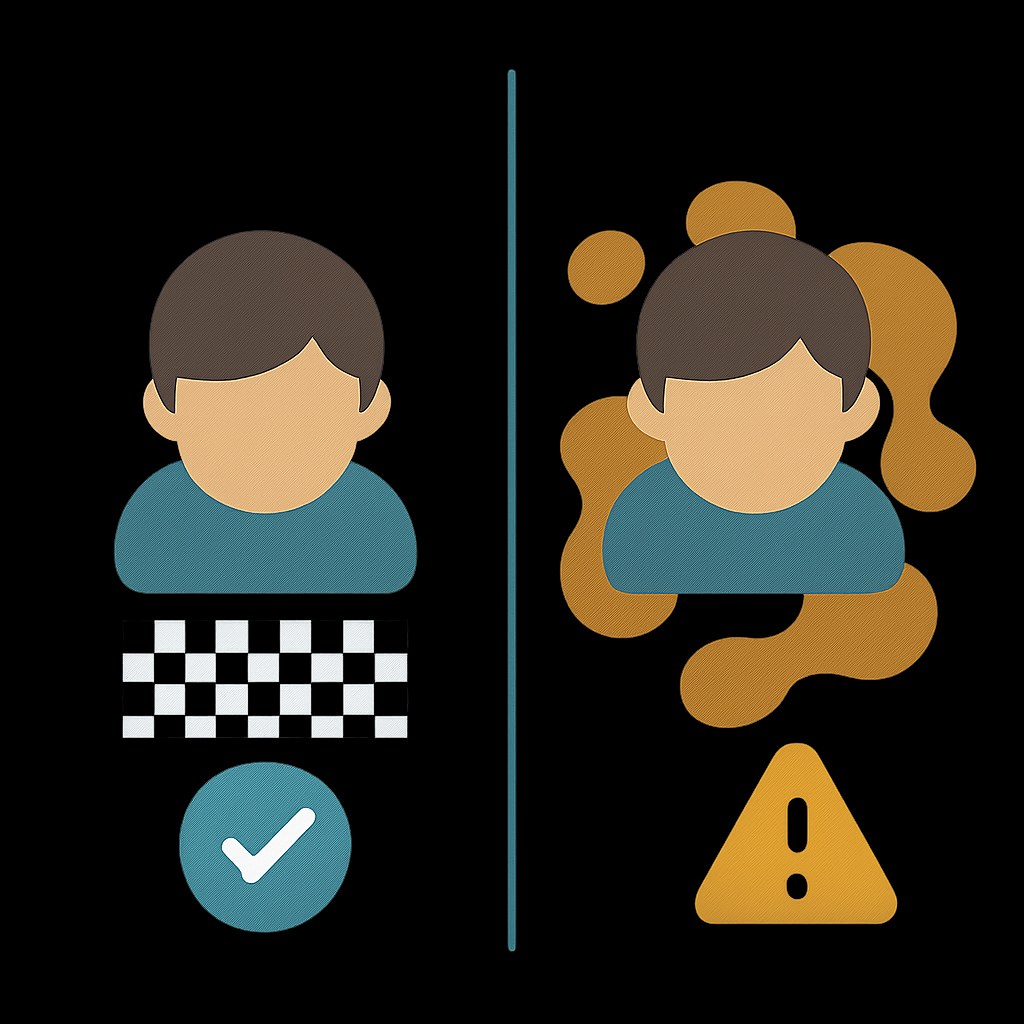
One thing worth flagging: transparent backgrounds can be inconsistent with cloud tools. We didn't test this ourselves, and no single source has documented it exhaustively, but it comes up often enough in community reports that it's worth planning for a background-removal step, something like Photoshop, Canva, or a free tool like remove.bg, rather than assuming you'll get clean PNGs straight out of the generator. Stable Diffusion can handle transparency via specific workflows, but again, that's a later-stage upgrade.
Before you publish or monetize anything: Midjourney allows commercial use on paid plans. Adobe Firefly's licensed training data makes it the safer option for commercial work on standard plans, though the full indemnification only kicks in at the enterprise tier. Leonardo.ai's commercial use terms on the free tier weren't fully clear from the sources we reviewed, check leonardo.ai/terms directly before shipping anything. If you're putting assets on itch.io, their policy requires AI disclosure on asset packs specifically, and undisclosed AI asset packs get blocked from browse-page indexing, so it's not just a labeling rule, it has a real visibility consequence. Game pages don't have a mandatory AI disclosure policy under the current rules, so the requirement is specifically about asset packs, not your game listing itself. Steam requires disclosure when AI-generated content is directly visible to players, and puts IP liability on you as the developer. Both platforms' policies are worth reading before you're in production.
16-bit side-scrolling platformer, warm earthy color palette, cel shaded, black outlines, no gradients, full body character sprite, idle stance, facing right, transparent background, game asset, young adventurer with a green tunic and brown boots, short brown hair
16-bit top-down RPG, warm earthy color palette, cel shaded, black outlines, no gradients, full body character sprite, top-down view, transparent background, game asset, small skeleton enemy, holding a rusty sword, simple menacing expression
16-bit top-down RPG tileset, warm earthy color palette, cel shaded, flat colors, black outlines, no gradients, game asset, stone dungeon floor tiles, seamlessly tileable, orthographic top-down view, transparent background
Getting your first batch of sprites out of an AI tool feels awkward at first. The prompts are weird, the results surprise you, nothing quite looks like what you pictured. That's normal. The style anchor and reference image system is what eventually makes it click, once your first character looks right and you've locked the style, everything generated after that starts feeling like it's from the same world. Start with one character, get them looking good, then use that image as the reference for everything else.