Most solo game projects die the same way: someone starts making assets or writing code before they know what the game actually is. Three weeks later, there are 40 sprites, no working game, and a folder named 'final_final_v3.' AI tools can make this worse, they're so fast at producing stuff that it's easy to get completely buried before you've made a single real decision. This guide is about slowing down just enough to avoid that.
Your core loop in one sentence (and why that's the whole job)
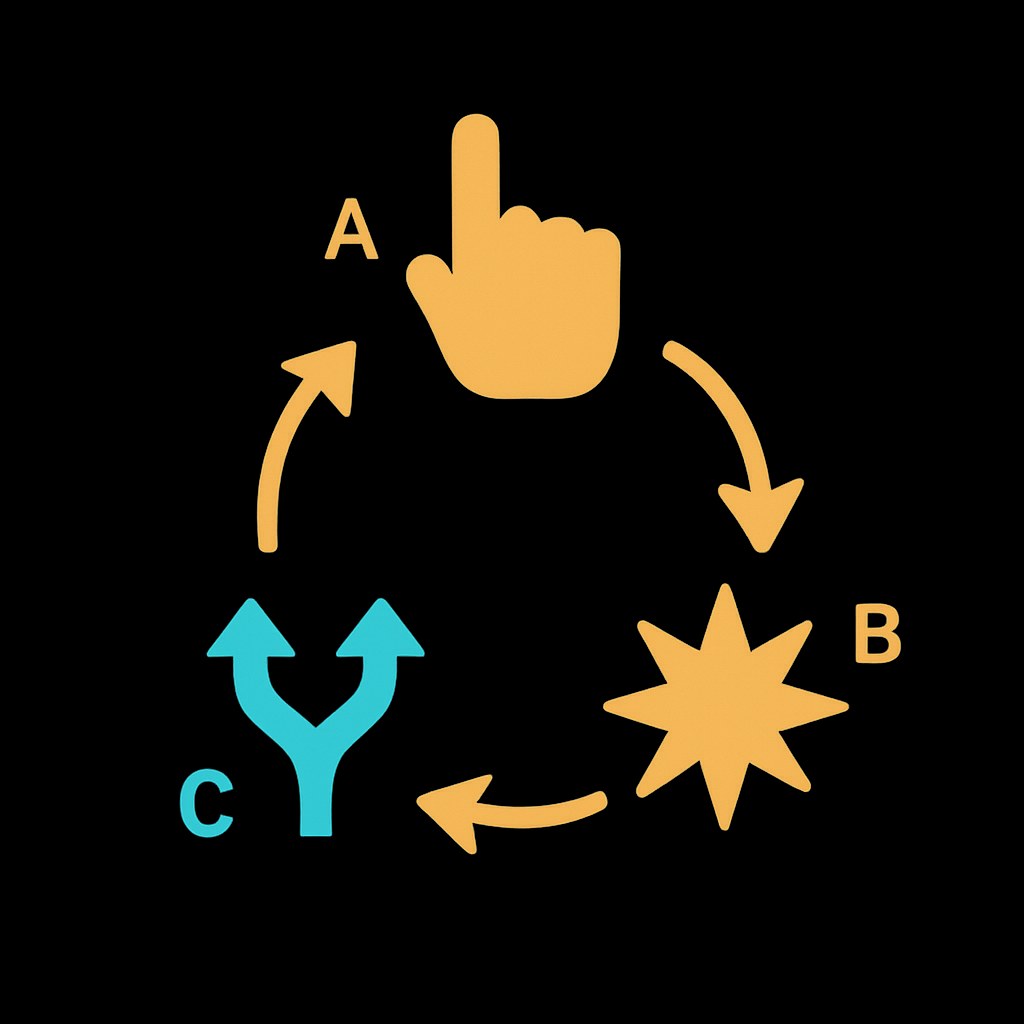
A core loop is the repeatable action that defines what your game is. Not the story, not the art style, the thing the player does over and over. If your player isn't making a real decision at the end of each cycle, the loop isn't working yet.
For something like a card game: draw a card, play it, see what changes, decide your next move. That's it. Everything else (art, music, progression, story) wraps around that loop, it doesn't replace it.
For a first browser game, your loop should fit in one sentence. Something like: "The player shoots incoming shapes, earns points for combos, and spends them on upgrades between waves." If you can't write it in one sentence, the concept isn't clear yet.
This is also where conversational AI tools can earn their keep at the design stage. Paste your rough idea into something like ChatGPT or Claude and ask it to poke holes: "What decision is the player making each cycle? What makes them want to repeat it?" You're not asking it to design your game, you're using it as a sounding board to stress-test your own thinking. That's a genuinely good use of a conversational AI, and it costs you ten minutes, not three weeks. (Both have had free access options in the past, but availability and limits shift, check the current plans before you count on a specific one.)
I'm designing a small browser game as a solo developer. Here's my core loop idea: [describe your loop in 2-3 sentences]. Can you tell me: What real decision is the player making each cycle? What would make them want to repeat it? What's the simplest version of this I could actually finish and ship? Point out anything that feels vague or scope-creepy.
The one-page design doc: just enough to keep yourself honest
A one-page game design doc (sometimes called a micro-GDD) is a recognized practice in solo dev and game jam circles, not a corporate formality. The point isn't completeness. It's commitment. Writing it down forces you to make decisions instead of keeping options open indefinitely, which is where scope creep lives.
Here's what belongs on that one page:
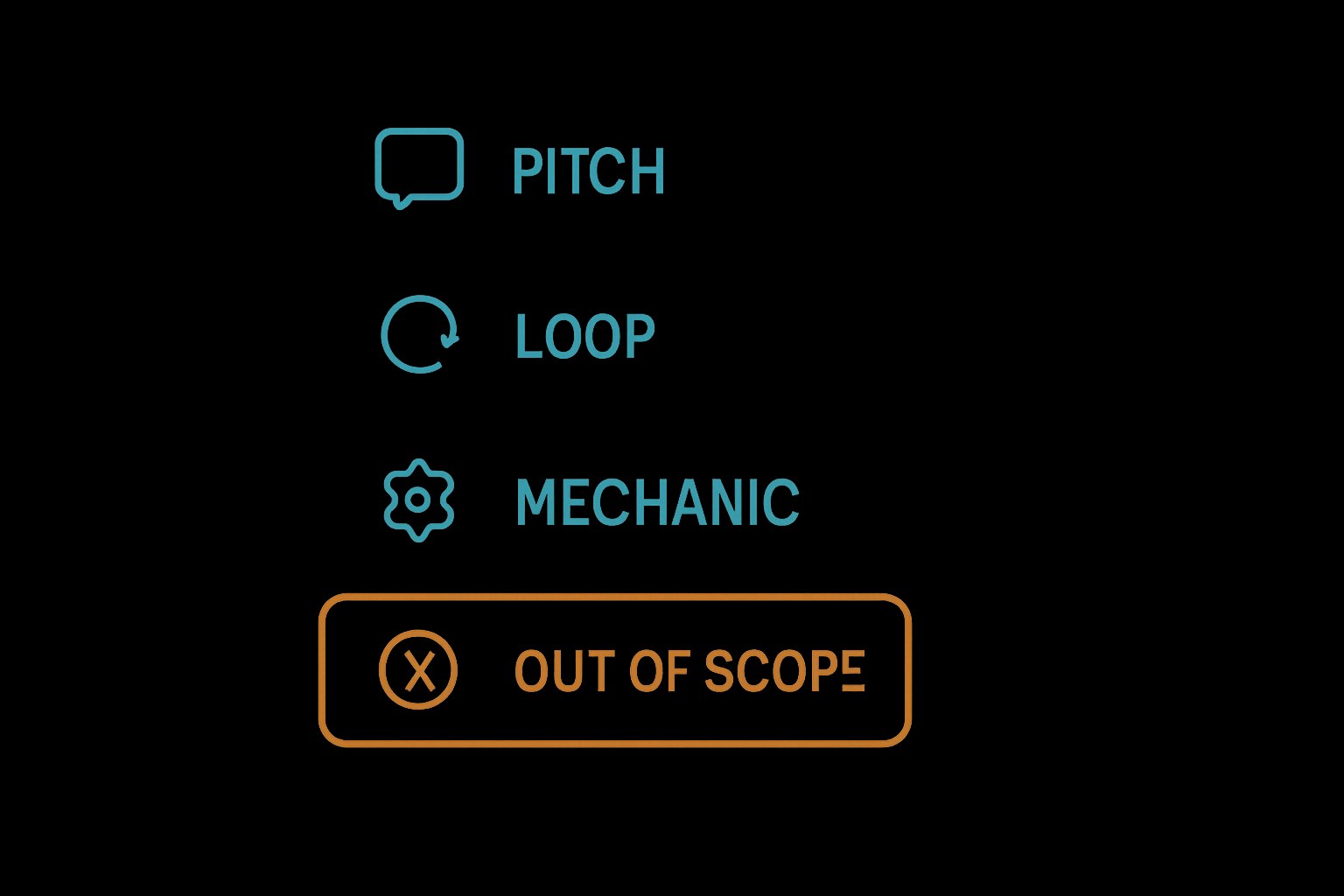
- Elevator pitch, one sentence: what is this game?
- Core loop, what does the player do, over and over?
- One primary mechanic, the thing that makes your game yours
- Platform, browser, played on desktop, mobile, or both
- Look and feel, three words max (pixel art, minimal, chaotic, cozy, pick yours)
- Out of scope, a short list of things you are explicitly NOT building in v1
That last one is the most important section on the page. Write it before you feel the urge to add a crafting system.
For the platform piece: a browser game runs directly in a web browser at a URL, no install needed. HTML, CSS, and JavaScript are what make it go. If you're not writing code yourself, tools like GDevelop (visual, event-based logic, primarily 2D, though it has some lightweight 3D capability) and Phaser (code-first, and according to framework review sources, one of the most widely used HTML5 game frameworks around, a stable new major version shipped in spring 2026, so it's worth checking that the tutorials or community resources you find are current) are worth knowing you're planning toward, not because you need to choose one right now, but because the choice affects scope. A GDevelop project is a different commitment than a from-scratch Phaser build.
Once your doc exists, even as a messy Google Doc, you have something to come back to when you start feeling the pull to add features. Ask yourself: is this in scope? If it's not on the page, it's not in v1.
 GDevelop →
 Phaser →
I'm a solo developer building a small browser game. Help me write a one-page game design document. Here's my concept: [describe your game idea, core loop, and rough visual vibe]. Format it with these sections: Elevator Pitch (one sentence), Core Loop (what the player does repeatedly), Primary Mechanic (the one thing that makes this game unique), Platform (browser, desktop/mobile), Look and Feel (3 words), Out of Scope (a short list of features explicitly cut from v1). Keep it honest and tight, push back if anything sounds too ambitious for one developer.
Once you have a one-sentence loop and a filled-out one-pager, you're not just someone with a game idea anymore. You have a spec. Part 2 of this series is where you take that doc and start actually building, generating assets, writing or scaffolding code, and turning the design into something that runs in a browser. But none of that works without this part done first.